Slushable Blog
Slushable 1.4.0: Recipes, Fix My Slush, and a bigger ingredient library
Slushable 1.4.0 adds a stronger recipe workflow, the Fix My Slush feature, Ninja SLUSHi recipe support, and nearly 4,000 ingredients in the library.

Slushable 1.4.0 is about making the app useful before, during, and after a batch.
The headline features are simple: better recipes in the app, a guided Fix My Slush workflow, and stronger Ninja SLUSHi recipes support.
The update also brings a much larger ingredient library that is nearing 4,000 items.
That matters because most home slush problems do not start inside the machine. They start in the mix. A recipe can taste right in a glass and still be too weak, too icy, too sweet, too alcoholic, or too diluted once it goes into a home slush machine.
Version 1.4.0 is built around that moment: pick a recipe, check the batch, make it, and fix it if the texture goes wrong.
The Short Answer
Slushable 1.4.0 makes recipes more practical inside the iPhone app.
You can browse and save slush recipes, tune them to your machine, and use the Fix My Slush feature when a batch turns runny or icy.
The update also expands the ingredient library from about 2,200 items toward nearly 4,000. If you are making Ninja SLUSHi recipes, 1.4.0 gives you a clearer path from idea to balanced hopper.
Recipes are now a bigger part of the app
Slushable started as a calculator because the math is where many batches fail.
But people do not open a slush machine thinking, "I want to calculate dissolved sugar concentration." They think:
- I want a frozen margarita.
- I want something for the kids.
- I want to turn this drink into slush.
- I want a Ninja SLUSHi recipe that will actually freeze.
- I want to save the batch that worked.
The 1.4.0 recipe workflow is built around that real behavior. Recipes are no longer just inspiration around the edges. They are part of the app experience: find one, save it, read the Slushometer, scale it, and make it with a clearer sense of whether the hopper is in range.
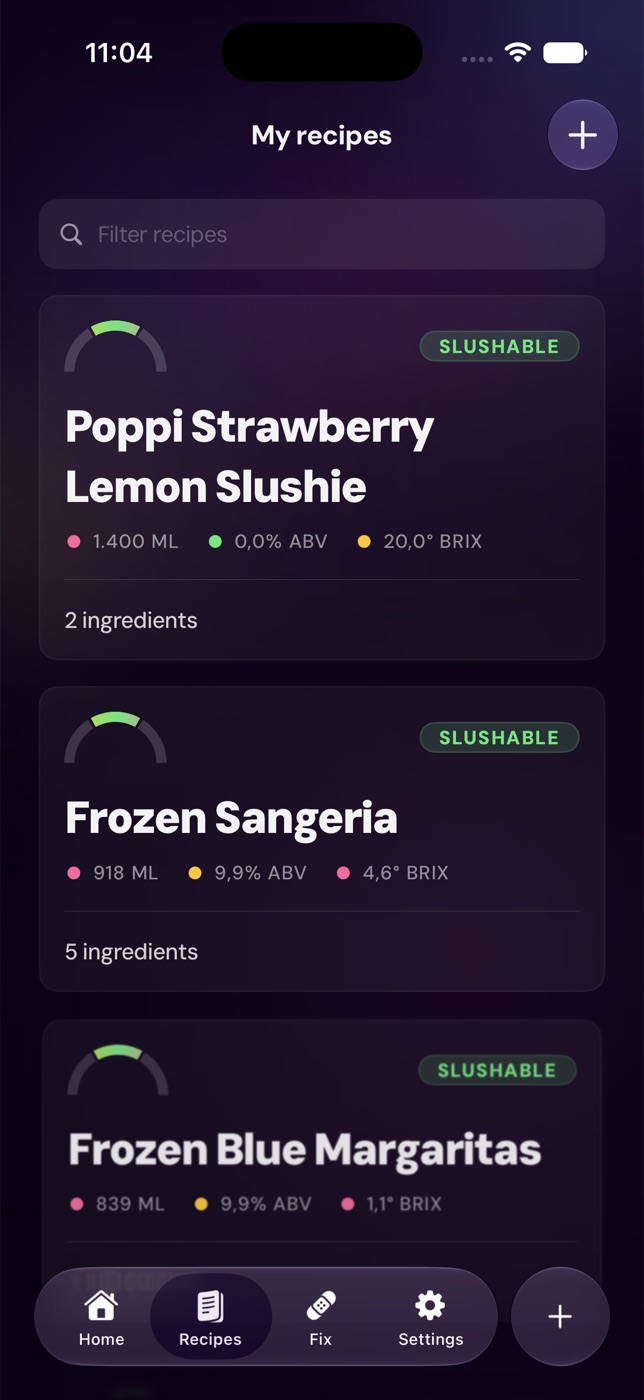
You can still start on the web with Slushable recipes, the Slush Recipe Generator, or the Slush Ratio Calculator. The app is where those ideas become repeatable: saved recipes, machine context, batch scaling, and make-mode flow.

Why this helps Ninja SLUSHi recipes
Ninja SLUSHi recipes are one of the clearest use cases for Slushable.
The machine is popular because it makes home slush feel approachable. The hard part is that custom recipes still have to land in a workable range. Sugar, alcohol, water, total volume, starting temperature, and machine capacity all matter.
That is why a recipe list alone is not enough.
A good Ninja SLUSHi recipe should answer practical questions:
- Is there enough real sugar for texture?
- Is the alcohol too high for the finished hopper?
- Is the total volume inside the machine's usable range?
- Did scaling the recipe change the freeze behavior?
- Is the mix likely to turn watery, icy, or properly slushable?
Slushable 1.4.0 keeps those checks close to the recipe. If you are specifically building for a Ninja machine, start with the Ninja SLUSHi Calculator, then bring the recipe into the app when you want the full workflow.
For more background on the machine-specific sugar floor, read Ninja SLUSHi sugar requirements calculator.
The Fix My Slush feature is for the batch that already went wrong
The best time to fix a slush batch is before you pour it.
The second-best time is when the machine is already telling you something is off.
That is the point of the Fix My Slush feature in 1.4.0. It is not a generic troubleshooting article. It is a guided rescue flow for the common texture problems people actually hit at home.
- Too runny.
- Too icy.
- Frozen too hard.
- Taking too long.
- Looking separated or thin.
- Behaving differently after scaling.
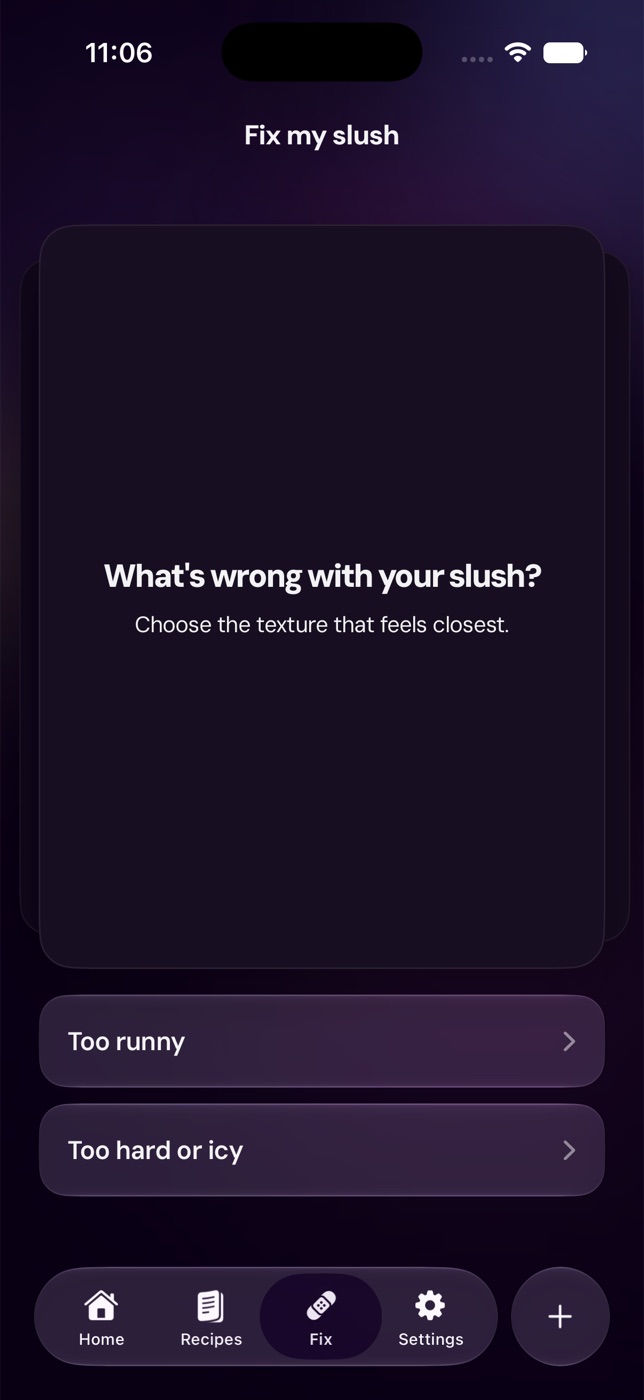
The important tradeoff is that not every batch should be fixed with the same move.
Adding water can help a batch that is too strong or too concentrated. It can make a low-sugar batch worse. Adding sugar can help an icy mix. It can make an already-syrupy mix more stubborn. Adding more alcohol may improve flavor but can make the machine struggle.
Fix My Slush exists because the right fix depends on the failure mode.
If you want the web version, open Fix My Slush. If the specific problem is watery texture, start with Why is my slush watery?.
Nearly 4,000 ingredients in the library
The ingredient library is the quiet part of this update, but it may be the part people feel most often.
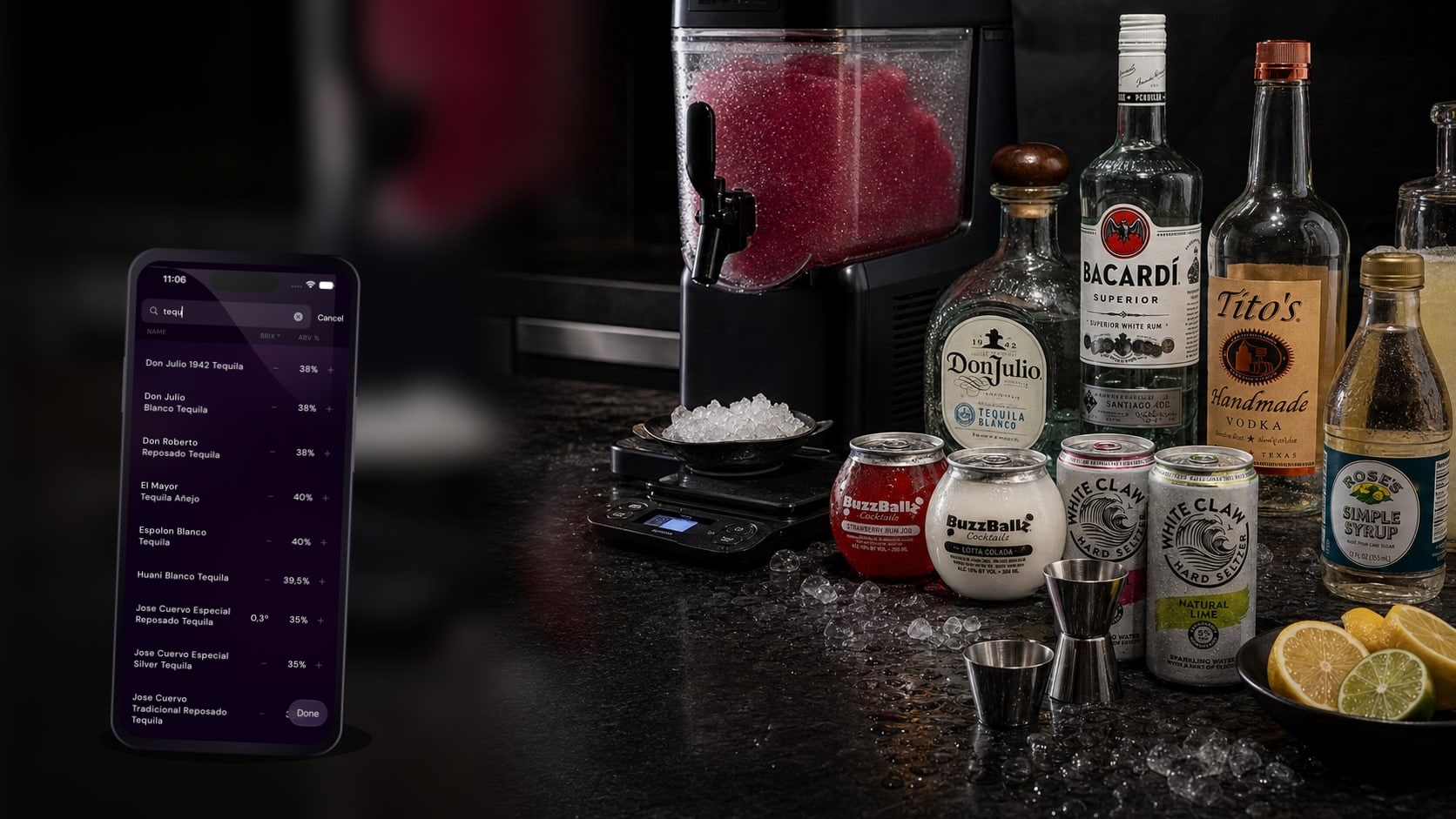
Slushable's catalog is growing from roughly 2,200 ingredients to nearly 4,000. That includes more of the bottles, cans, mixers, syrups, juices, liqueurs, spirits, and ready-to-drink products people actually buy in North America.
That is the honest meaning of "4000 ingredients in the library": more real product rows, fewer generic stand-ins, and better starting data for the batch math.
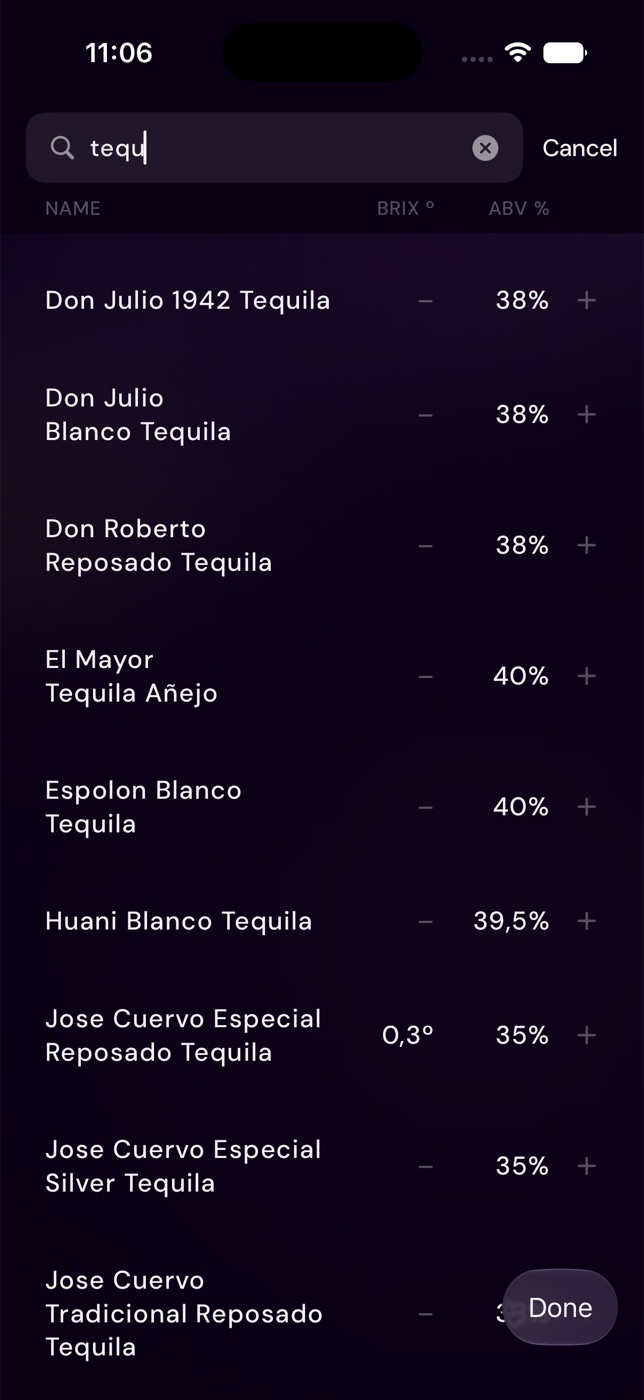
This does not mean every ingredient is automatically machine-ready. A hard seltzer can still be too low in sugar. A canned cocktail can still be too alcoholic. A syrup can still need dilution. The finished hopper is what freezes, not one product row.
But a bigger library makes the first calculation less fragile.
For a deeper look at the catalog expansion, read Slushable ingredient library: nearly 4,000 items for real batches.
What 1.4.0 changes in the real workflow
The update is easiest to understand as a full batch loop.
1Find or build the recipe
Start from recipes, a saved app recipe, a drink you already know, or the Slush Recipe Generator.
The goal is not just to get a tasty ingredient list. The goal is to get a version that can survive the machine.
2Pick the machine context
A Ninja SLUSHi, a larger home machine, and a commercial-style machine do not all have the same useful limits.
Machine context affects capacity, serving size, and how conservative the batch should be. That is why Slushable keeps machine setup close to recipe math instead of treating every hopper as the same.
3Check the Slushometer
The Slushometer reads the recipe as a finished batch: sugar, alcohol, dilution, total volume, and ingredient data together.
If the batch is in range, make it. If not, adjust before the machine spends the next cycle proving the mix was wrong.
To understand the readout, see How the Slushometer works.
4Make, save, and repeat
A recipe is only valuable if you can make it again.
That is why saved recipes matter. The version that worked on your machine should not disappear into a screenshot, a note, or a half-remembered ratio. Save the recipe, scale it when needed, and keep the result tied to the actual batch numbers.
5Use Fix My Slush when reality disagrees
Even with better recipe math, real kitchens are messy. Ingredients start warm. Syrup does not dissolve completely. A batch gets scaled by eye. Someone swaps a mixer. The machine is overfilled.
Fix My Slush gives you a structured path when that happens.
Who should update
Update to Slushable 1.4.0 if any of these sound familiar:
- You want more recipes inside the app, not just on the web.
- You make Ninja SLUSHi recipes and want better pre-pour checks.
- You keep running into watery or icy slush.
- You want a bigger ingredient library with more real bottles, cans, and mixers.
- You want to save and repeat the batches that worked.
- You want app guidance at the machine instead of a browser tab across the room.
If you are new to Slushable, download the app here: Slushable on the App Store.
FAQ
What is new in Slushable 1.4.0?
Slushable 1.4.0 focuses on recipes, the Fix My Slush feature, stronger Ninja SLUSHi recipe workflows, and a larger ingredient library that is nearing 4,000 items.
Does Slushable 1.4.0 include Ninja SLUSHi recipes?
It supports Ninja SLUSHi recipes by helping you check sugar, alcohol, volume, machine context, and Slushometer status before you pour. You can also use the Ninja SLUSHi Calculator on the web.
What is the Fix My Slush feature?
Fix My Slush is Slushable's guided troubleshooting flow for batches that turn runny, icy, hard, slow, or otherwise off-balance. It helps narrow the likely cause and next adjustment instead of telling every user to add the same thing.
Are there really 4000 ingredients in the library?
The library is nearing 4,000 ingredients, up from about 2,200. Before making a permanent exact-count claim, check the current synced catalog, because the app and backend catalog can keep changing.
Do I need the app if the web tools are free?
The web tools are useful for quick checks. The app is better when you want saved recipes, machine context, make-mode guidance, Fix My Slush, and the recipe workflow next to the machine.
Related reading
Recipes to make next
Slush recipes from the library that fit this guide — every one balanced to freeze in a home machine.
- LemonVerification status: Tried & tested

Black Tea Lemonade Slush
View - Blue raspberryVerification status: Tried & tested

Blue Raspberry Lemonade Slush
View - BourbonVerification status: Tried & tested

Bourbon Old Fashioned Slush
View - LimeVerification status: Tried & tested
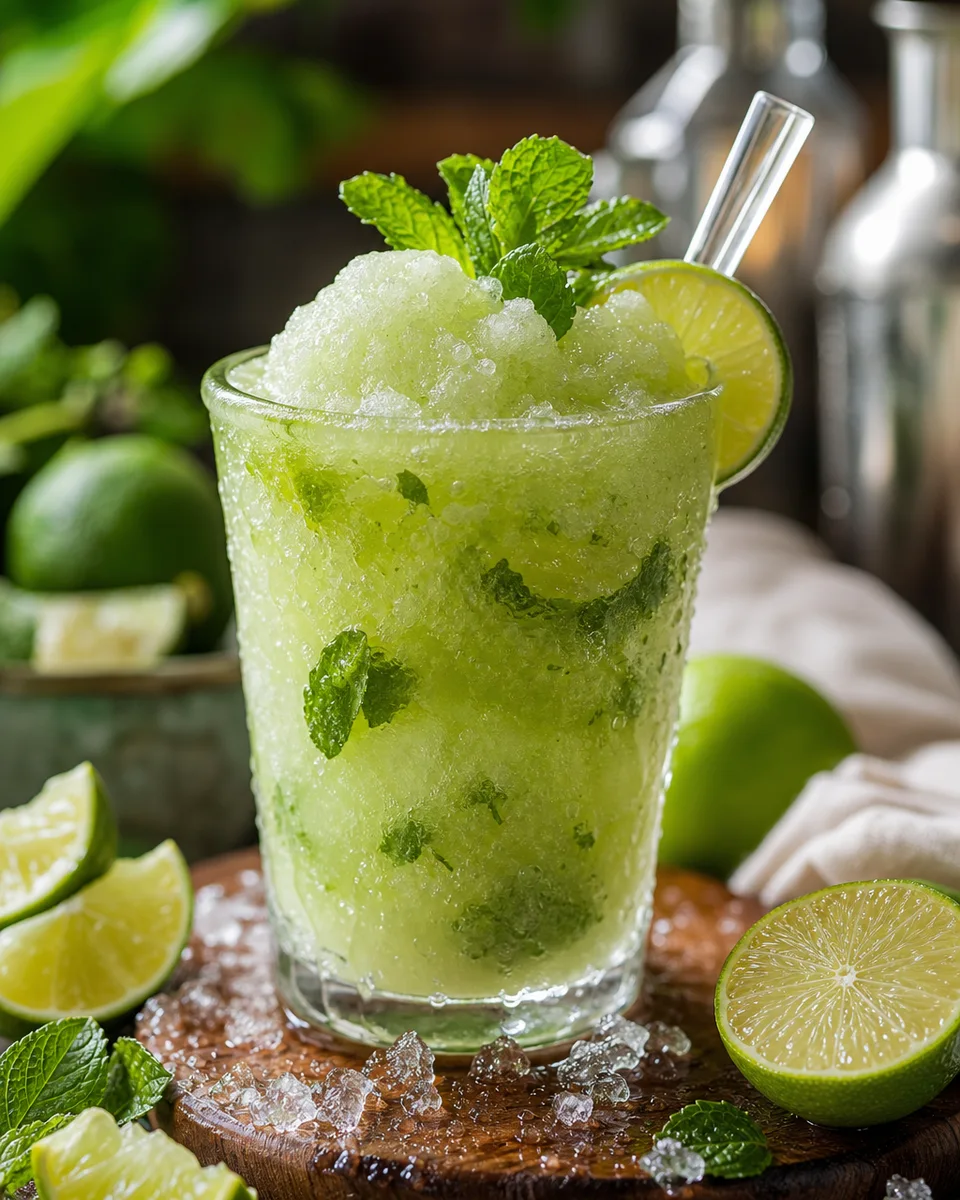
Classic Mojito Slush
View - CoffeeVerification status: Tried & tested
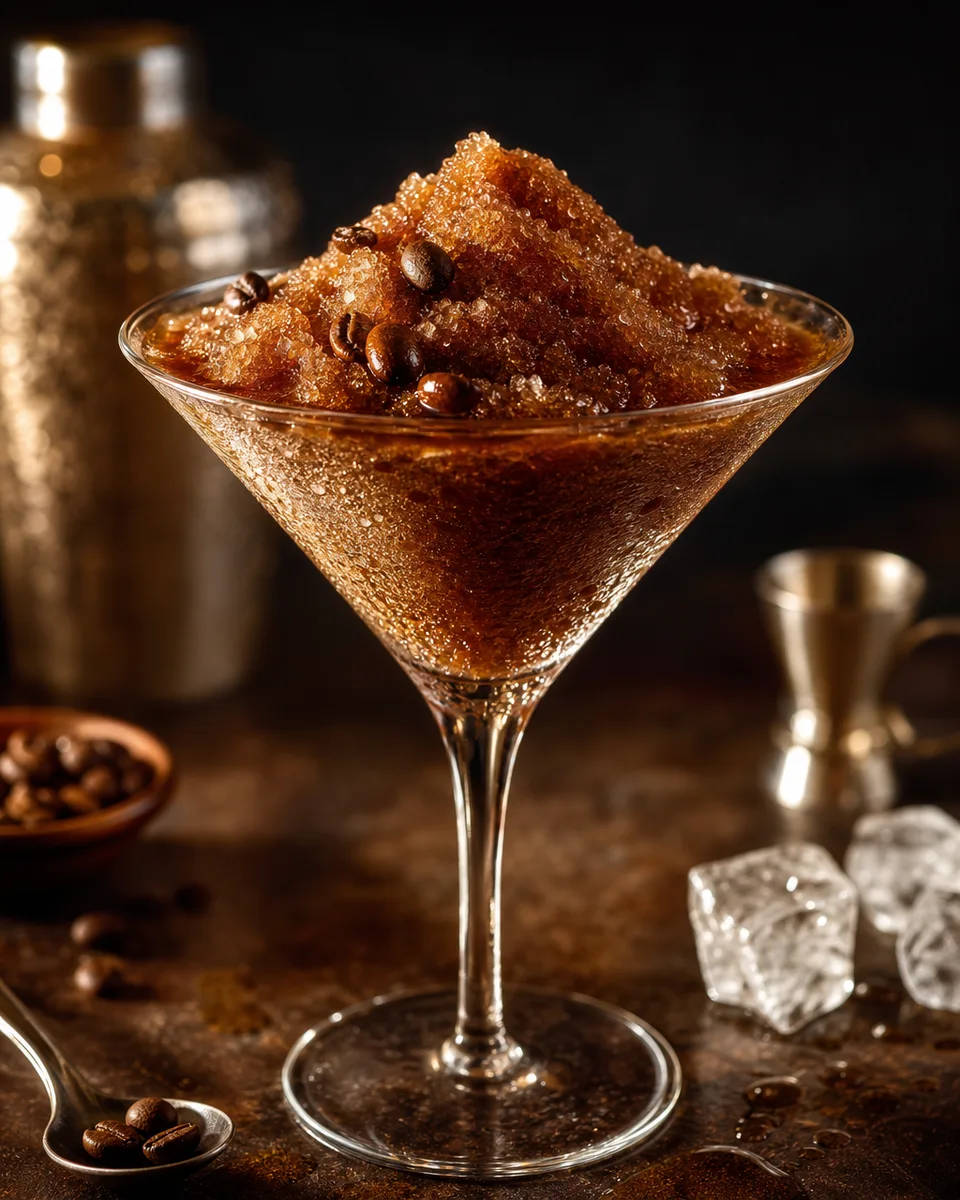
Espresso Martini Slush
View - GingerVerification status: Tried & tested

Moscow Mule Slush
View