Slushable Blog
Ninja Slushi Sugar Calculator: Sugar Requirements + Quick Fixes
Use this Ninja Slushi sugar calculator guide to hit the 4% sugar floor, estimate freeze-friendly mixes, and fix low-sugar batches fast.

If you’re searching for a Ninja Slushi sugar calculator, you usually want one answer. Will this drink actually freeze, or will the machine throw a low-sugar warning and sit there spinning?
That’s the right question. With the Ninja SLUSHi line, sweetness is not just flavor. It is part of the freezing system. Brand support says the input needs at least 4% sugar for a proper slush texture. That is why plain water, many zero-sugar sodas, and under-sweetened mixes cause trouble fast.
This guide shows you how to estimate that threshold, when to use the Slushable calculator, and how to fix a batch that is too low in sugar. Slushable is not affiliated with Ninja.
TL;DR (Quick Fix)
- For a proper slush, your mix needs at least 4% sugar.
- If your Ninja SLUSHi throws the low-sugar alert, the usual fix is to add dissolved sugar, syrup, juice, or another sugary base, not just keep waiting.
- The fastest way to sanity-check a batch is to look at the nutrition label or total grams of sugar in the full mix.
- If there is alcohol involved, the sugar target usually needs to be more deliberate because alcohol lowers the freezing point too.
- Use a calculator before you pour when you want to estimate whether the mix is in a freeze-friendly zone.
How to use a Ninja Slushi sugar calculator
A Ninja Slushi sugar calculator is really a freezing calculator in disguise.
You are trying to answer three practical questions:
- Does the batch clear the 4% sugar minimum?
- Is there already enough sugar in the soda, juice, or mixer you’re using?
- If you added alcohol, did you make the mix too hard to freeze unless you rebalance it?
The simplest version looks like this:
- Add up the total liquid volume going into the machine.
- Add up the total grams of sugar already in that liquid.
- Divide sugar grams by total liquid weight/volume to see whether you are obviously below the minimum.
You do not need lab precision for a first pass. You just need to stop guessing.
If you want a faster workflow, use the Ninja SLUSHi Calculator instead of back-of-napkin math when you are working with custom mixes.
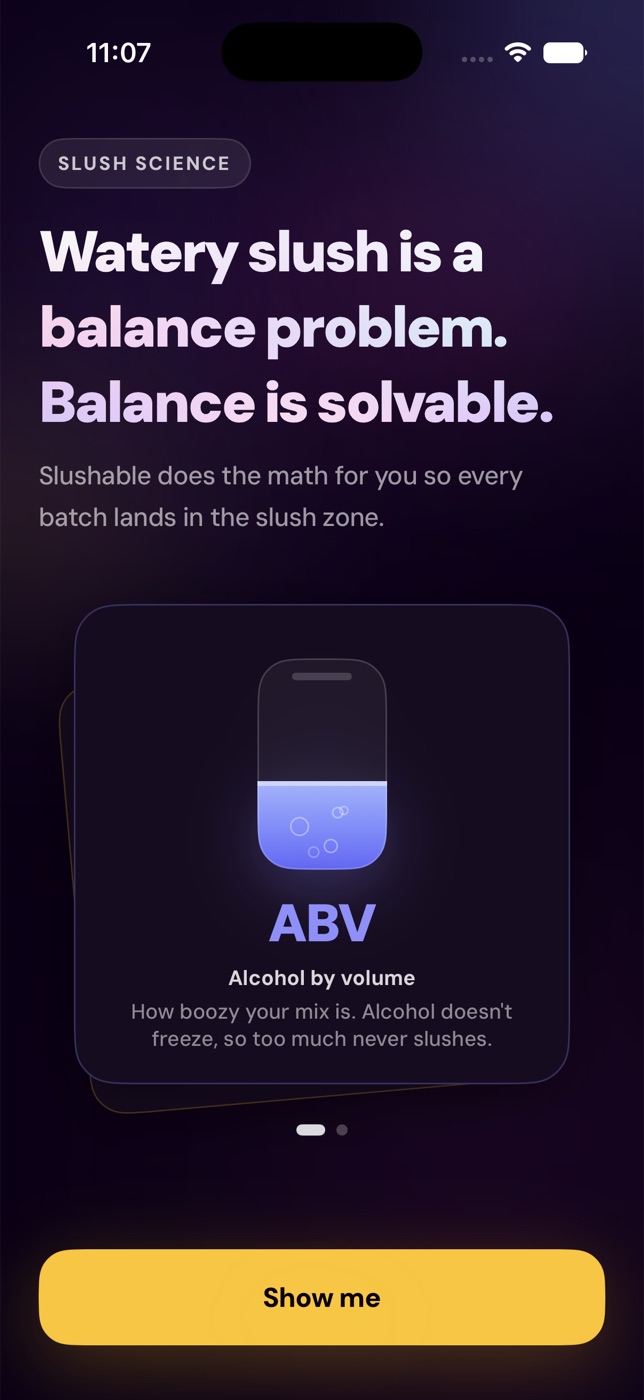
What’s happening (in plain English)
Home slush machines work by pulling heat out of the liquid while the auger keeps the forming ice crystals moving.
If the mix is too low in dissolved sugar, the machine struggles to create the texture it expects. That is why brand support documents call out a minimum sugar floor instead of treating sweetness like an optional flavor preference.
This is also why “but it tastes sweet enough” is not a reliable test. A drink can taste sweet and still be poorly balanced for slushing, especially if the sweetness is low relative to the total liquid volume.
The main reasons Ninja Slushi sugar requirements get missed
1The base looks flavorful, but the actual sugar is low
Flavored water, diet soda, light juice drinks, and some “healthy” mixers often have far less dissolved sugar than people assume.
That matters because the machine only sees the chemistry of the liquid in the hopper. It does not care that the can or bottle tasted strong on its own.
2People count syrup flavor, but not total dilution
A small amount of concentrated syrup can smell and taste intense, but once you stretch it across a full batch, the finished mix may still land below the sugar floor.
This is one reason low-sugar warnings surprise people. The mix seemed sweet enough in a glass, but the final batch chemistry says otherwise.
3Alcohol changes the math
The Ninja SLUSHi has a dedicated Spiked Slush preset, and support guidance says premade inputs for that preset should stay between 2.8% and 16% alcohol. That does not mean every batch in that range is automatically balanced. It means you still need enough sugar for the machine to build slush instead of thin, cold liquid.
If a boozy batch is acting weird, do not look at sugar in isolation. Look at sugar and alcohol together.
4People pour first and troubleshoot second
Once the machine is running, most owners want to wait it out and hope it catches up. Sometimes that works. Often it just warms the batch while you make random adjustments.
A quick pre-check saves a lot of that frustration.
Step-by-step fix for a low-sugar batch
1Confirm it is really a sugar problem
If your machine shows the classic low-sugar behavior, think chemistry before mechanics.
Common signs:
- descending temperature lights.
- preset lights flashing.
- repeated beeps over several minutes.
- the batch stays cold but never builds texture.
If the mix also contains alcohol, review the balance before adding anything blindly.
2Check the label or recipe math
Before you add more sweetener, figure out what is already there.
- If you used bottled soda or juice, read the grams of sugar per serving and scale it to your full batch.
- If you built from scratch, total the sugar you added by weight.
- If you used multiple mixers, add them together before making a decision.
This sounds boring, but it is the fastest way to stop overcorrecting.
3Add dissolved sugar, not dry guesswork
The cleanest fix is usually one of these:
- simple syrup.
- regular sugar dissolved fully into a small amount of warm liquid first.
- a sugary juice.
- a standard full-sugar mixer.
Add in small steps, mix thoroughly, then restart the cycle. Support guidance also points owners toward adding a small amount of syrup, juice, or sugar per serving rather than endlessly rerunning the same low-sugar batch.
4Restart instead of “letting it figure itself out”
Once you correct the mix, restart the preset so the machine can reassess the batch. If you keep running a bad mix after a partial adjustment, you can waste time and get muddier feedback.
5Use the calculator before the next batch
If you keep making custom drinks, stop solving this from scratch every weekend.
Use a calculator for the quick check, then a more general slush calculator when you want to estimate sugar-plus-alcohol together. If you want the background on why this matters, spend a little time learning Brix and sugar-by-weight instead of guessing.
Which Ninja SLUSHi presets care most about sugar?
All of them care about the liquid balance, but the practical pressure changes by preset.
- Slush: the most straightforward place to notice low sugar.
- Spiked Slush: easiest preset to throw off because alcohol and sugar both affect freezing.
- Frappé: texture can still look wrong if the base is out of balance.
- Milkshake: dairy changes the feel, but balance still matters.
- Frozen Juice: often looks “healthy” on paper but can vary a lot depending on the juice.
The big idea is simple: the preset helps with temperature behavior, but it cannot rescue a mix that is fundamentally out of range.
How to prevent low-sugar errors next time
- Build one known-good baseline and write it down.
- Check labels before you pour, especially with zero-sugar or reduced-sugar drinks.
- Treat alcohol as part of the freezing equation, not just a flavor add-on.
- Pre-chill the mix so the machine spends less time fighting starting temperature.
- Use one calculator consistently instead of changing your method every batch.
If you are still getting inconsistent results, learning sugar-by-weight is the most useful habit to pick up.
FAQ
What is the minimum sugar requirement for a Ninja Slushi?
Brand support says inputs need at least 4% sugar for a proper slush output. That is the floor, not necessarily the ideal target for every custom batch.
Can I use a Ninja Slushi sugar calculator with soda or juice?
Yes. In fact, that is one of the best uses for it. Soda and juice already contain sugar, so the calculator helps you count what is already in the base before adding more.
Why does my Ninja Slushi say low sugar even though the drink tastes sweet?
Because taste is not the same as final batch balance. A drink can taste sweet in a sip test and still land below the machine’s minimum sugar requirement once diluted across the full hopper.
Should I add sugar or water when my batch will not freeze?
If the issue is a true low-sugar alert, add dissolved sugar or another sugary ingredient. If the batch is overly concentrated, boozy, or throwing an “add water” style warning on supported models, dilution may be the right fix instead.
How long should I wait before deciding the mix is wrong?
Support guidance says frozen drinks are usually ready in 15 to 60 minutes, with many finishing in an hour or less depending on ingredients, starting temperature, and volume. If you are clearly getting alerts, do not wait forever hoping the chemistry changes on its own.
Related reading
Recipes to make next
Slush recipes from the library that fit this guide — every one balanced to freeze in a home machine.
- CoffeeVerification status: Tried & tested
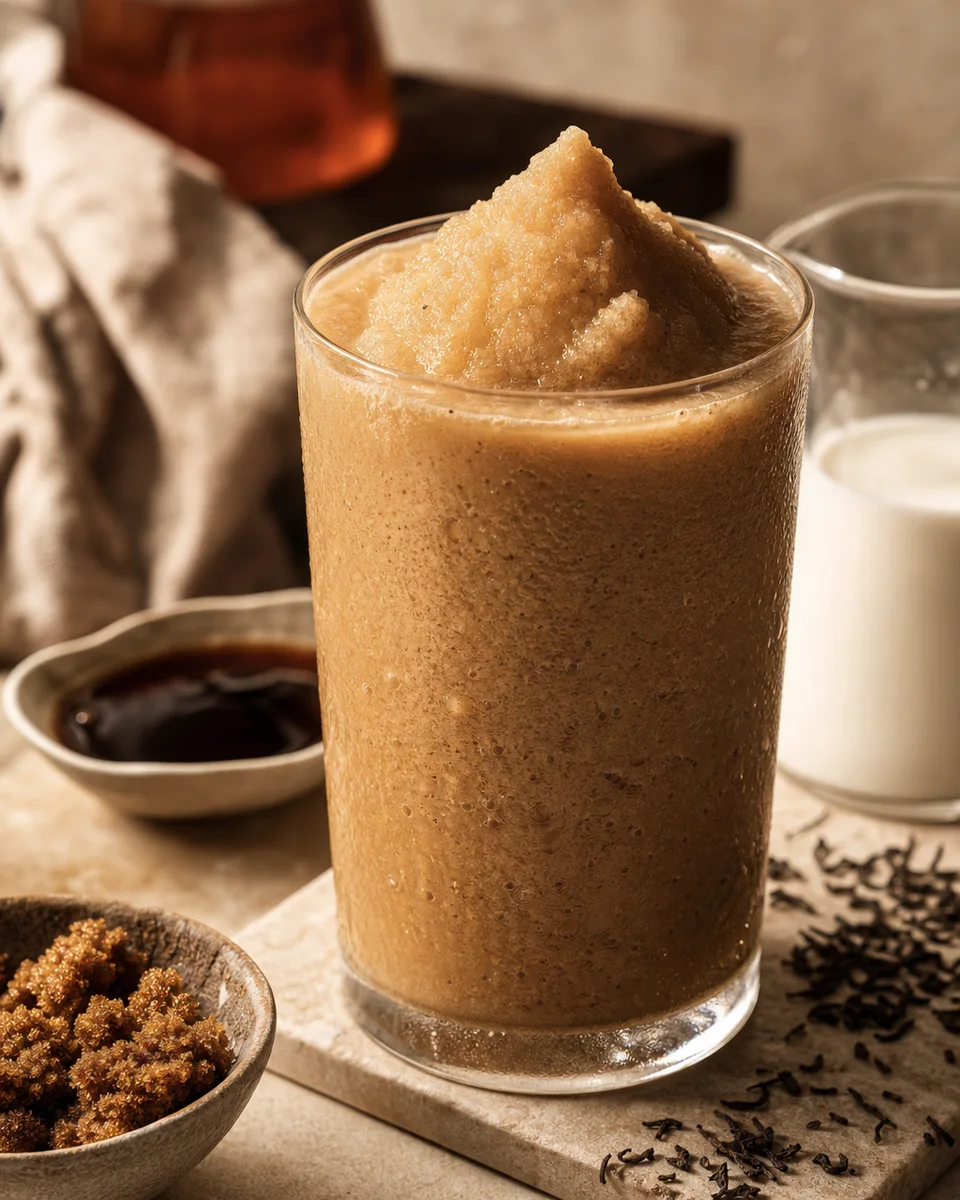
Brown Sugar Milk Tea Slush
View - StrawberryVerification status: Tried & tested
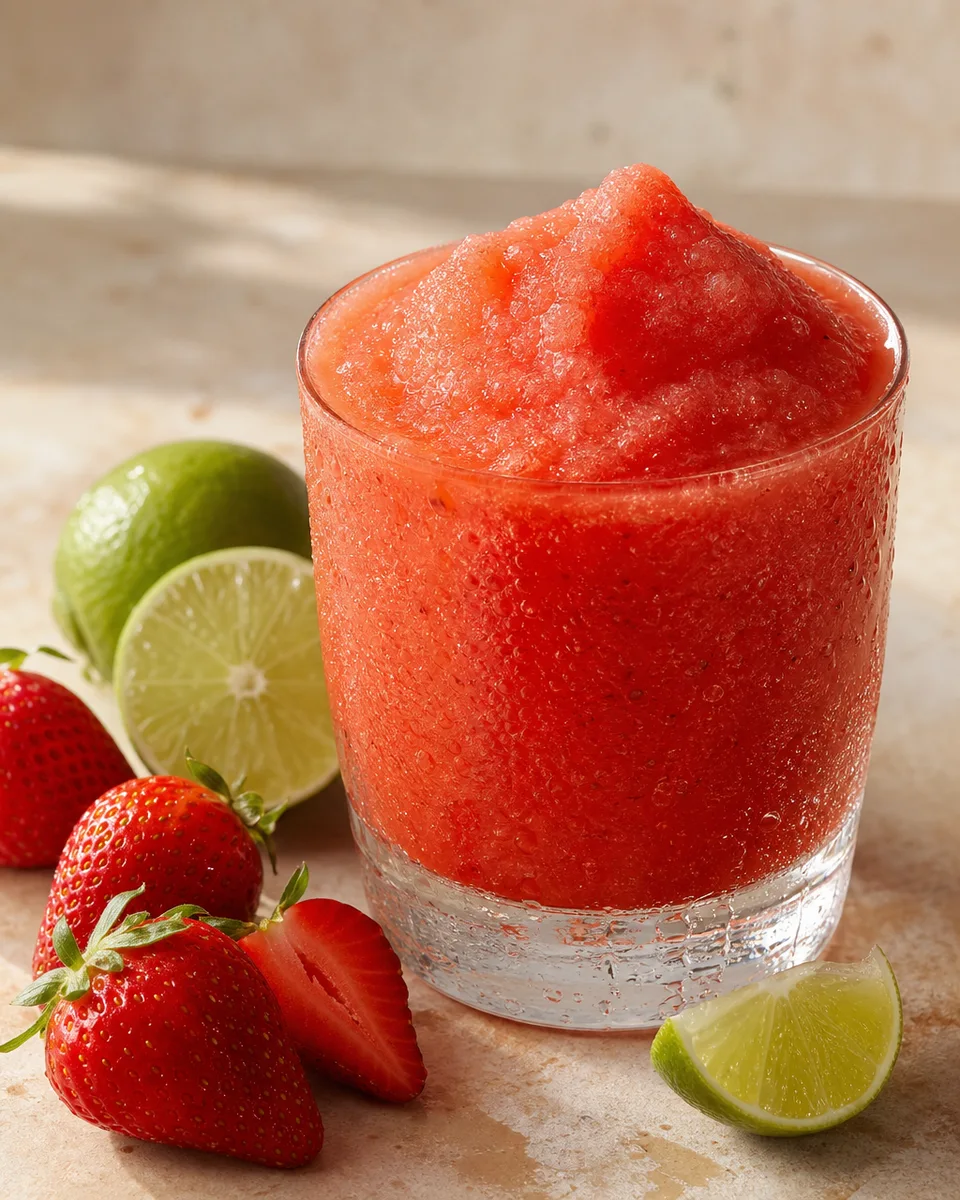
Frozen Strawberry Daiquiri Slush
View - CoffeeVerification status: Tried & tested
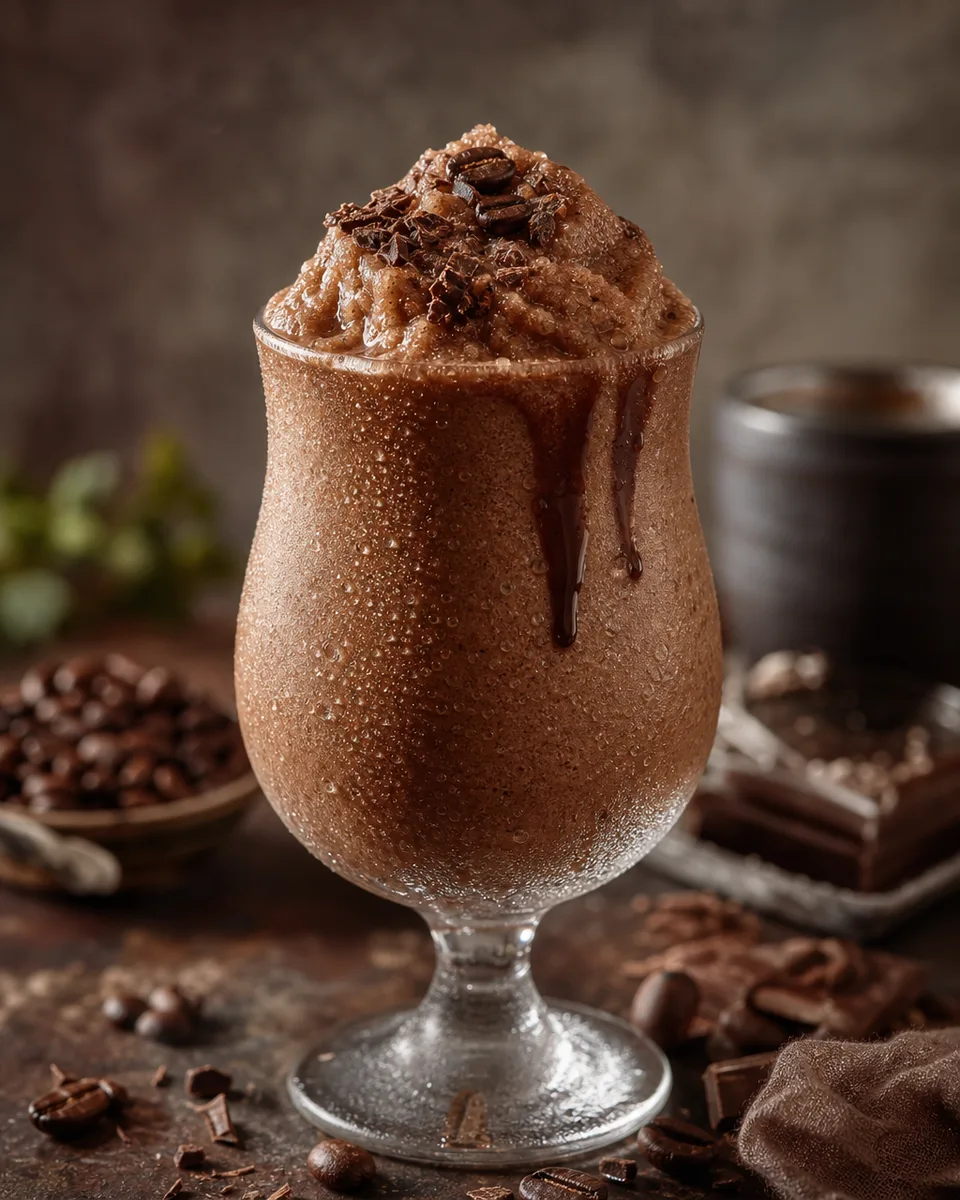
Bicerin Coffee Chocolate Cream Slush
View - CoffeeVerification status: Tried & tested
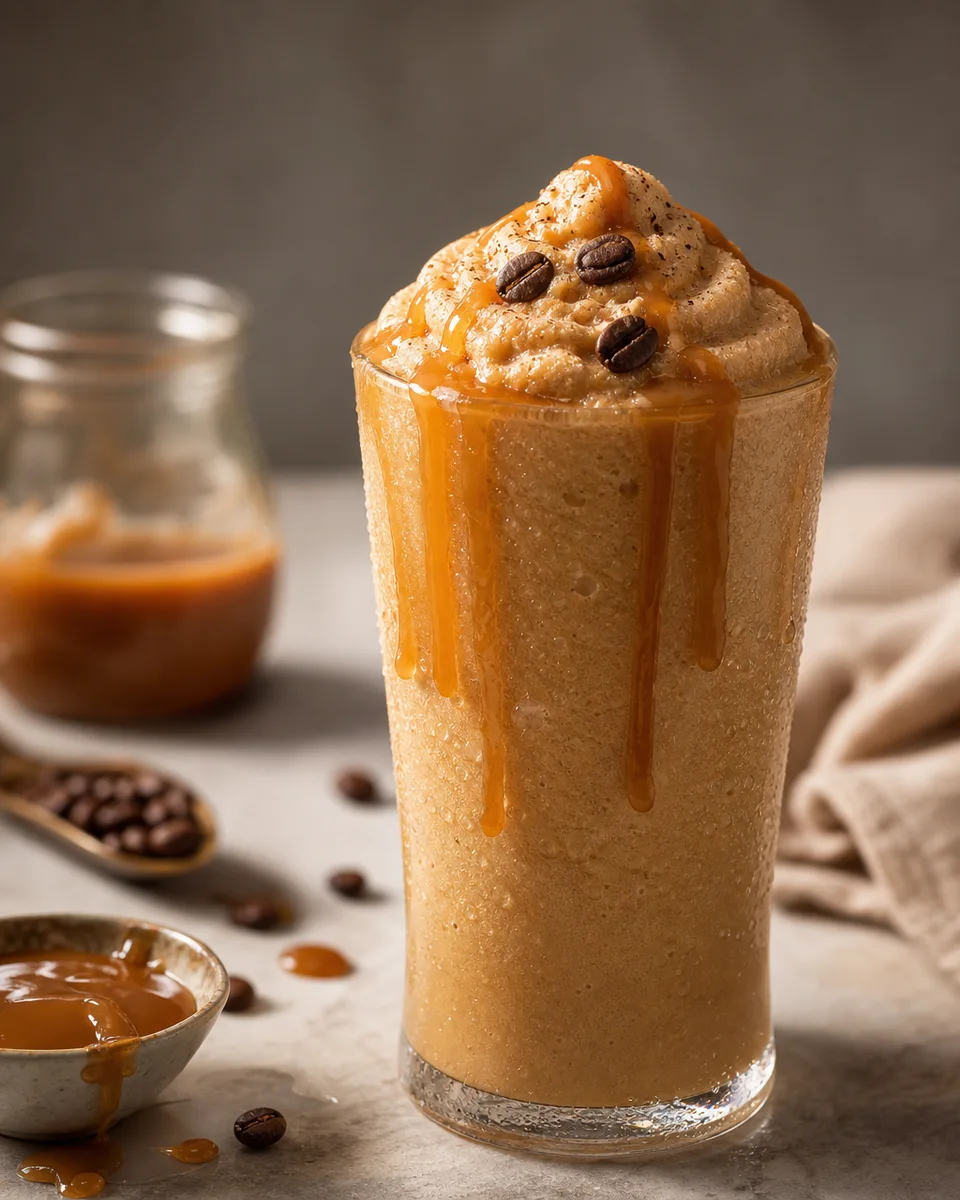
Caramel Espresso Frappe
View - CoffeeVerification status: Tried & tested
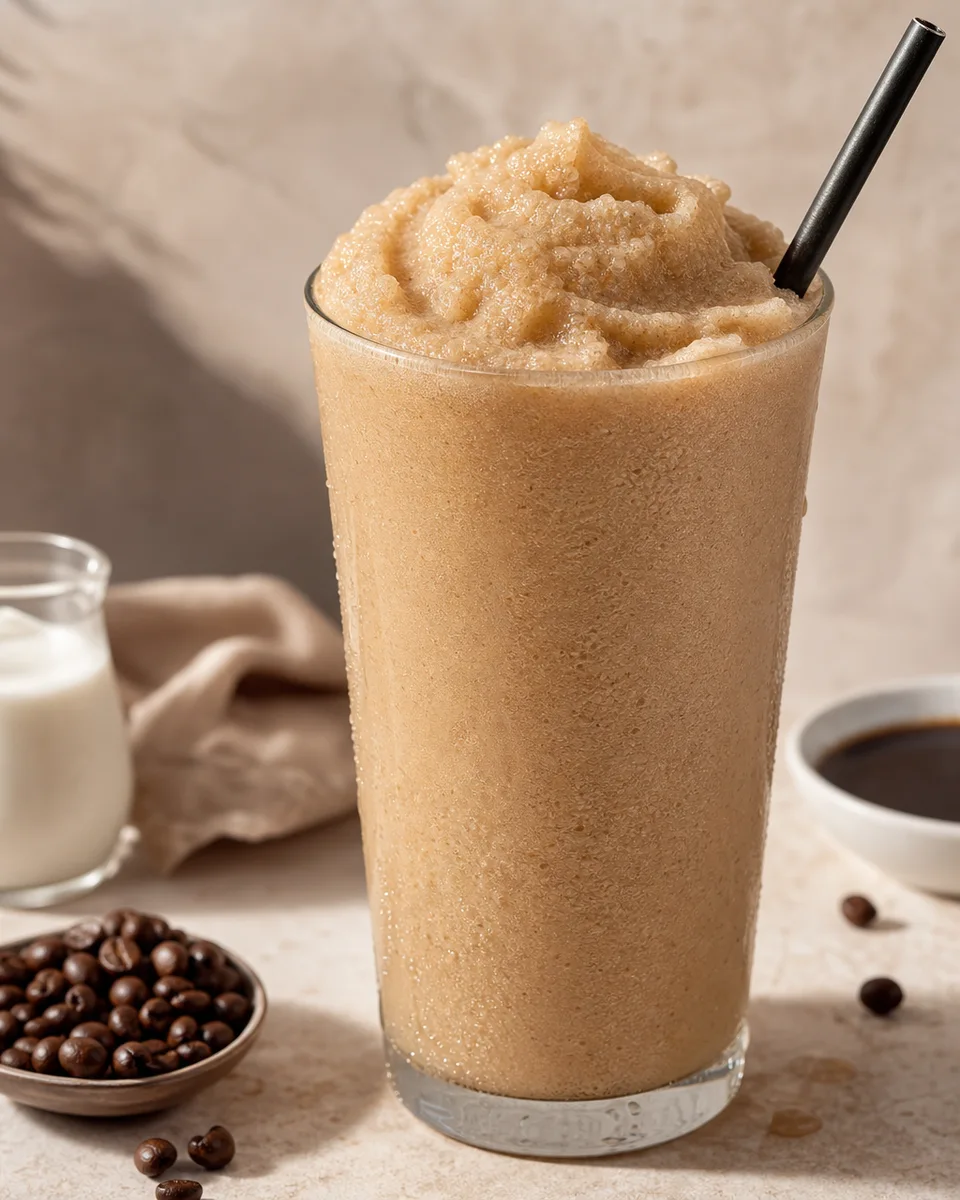
Dalgona Coffee Milk Slush
View - CoffeeVerification status: Tried & tested
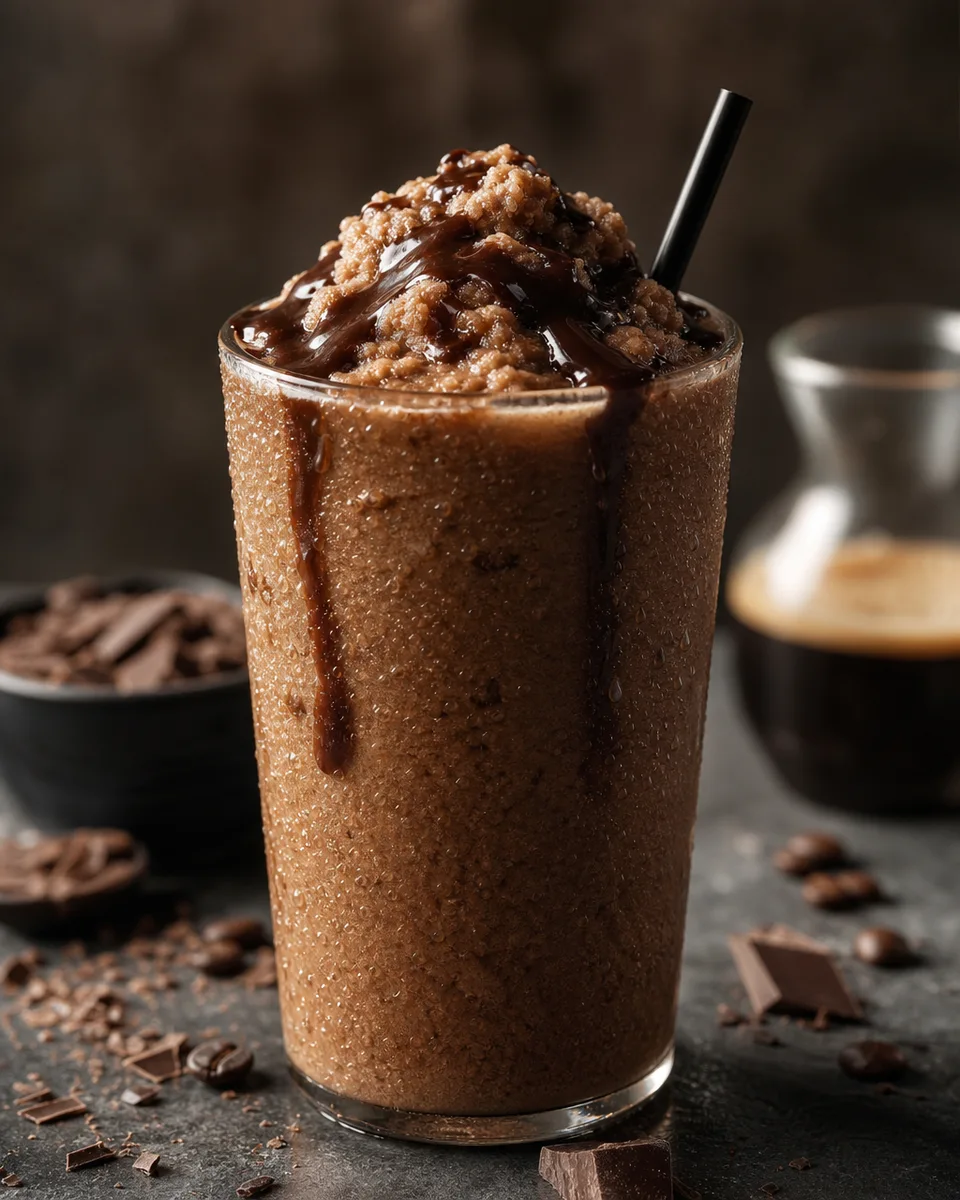
Iced Mocha Slush
View