Slushable Blog
Ninja Slushi Not Freezing? Low Sugar Alert, Add Water + Watery Fixes
If your Ninja Slushi is not freezing, this guide explains low-sugar alerts, add-water warnings, watery texture, and the fastest fixes.

If your Ninja Slushi is not freezing, the fix is usually less dramatic than people think.
Most batches fail for one of three reasons. The mix is too low in sugar, too concentrated with sugar and alcohol, or simply taking longer than expected because the starting conditions are bad.
That is why the common warnings matter so much. The low-sugar alert is the machine telling you the batch is below its freezing requirements. The add-water style warning on supported models points the other direction: the mix is too concentrated to freeze cleanly. Both are chemistry problems first, not “my machine is dead” problems.
This is a practical troubleshooting guide, not official support. Slushable is not affiliated with Ninja.
TL;DR (Quick Fix)
- If your Ninja Slushi is not freezing, first ask whether it has been long enough. Support guidance says many drinks finish in 15 to 60 minutes, usually within an hour or less.
- If you get the low-sugar alert with descending temperature lights, flashing preset lights, and repeated beeps, your mix likely needs more dissolved sugar.
- If you get an add water style warning on supported models, the mix is likely too concentrated, often because sugar and alcohol are both too high.
- On Spiked Slush, support guidance says premade inputs should fall between 2.8% and 16% alcohol.
- Use a calculator before the next batch so you are not troubleshooting blind.
Why a Ninja Slushi is not freezing (in plain English)
The machine is trying to turn a liquid into tiny suspended ice crystals without letting it freeze into a solid block.
That balance is narrow. Too little sugar and the machine may warn you that the liquid is not balanced for slush.
Too much sugar and alcohol together can push the freezing point in the other direction. That leaves you with a cold, thin mix that never quite turns.
This is why “not freezing” and “watery” are often the same problem wearing different clothes.
Ninja Slushi not freezing: the main causes
1The batch really is too low in sugar
Brand support says the input needs at least 4% sugar for a proper slush output.
If your base is water, diet soda, reduced-sugar juice, or a light mixer, the machine may warn you quickly instead of churning forever. This is the classic low-sugar case.
If you want the full math side of this, look at the sugar-requirements angle separately instead of guessing.
2The batch is too concentrated, not too weak
This is where owners get tripped up. Sometimes the right fix is not adding more sweetness. It is adding water because the mix is too concentrated with sugar, alcohol, or both.
That is the logic behind the “add water” style warning on supported Ninja models. The machine is basically saying, “I cannot freeze this cleanly in its current state.”
3The Spiked Slush batch is out of range
Alcohol is powerful in slush machines.
Support guidance for the Spiked Slush preset says premade inputs should stay between 2.8% and 16% alcohol. Even inside that range, a batch can still behave badly if the sugar balance is off. If you guessed on both sugar and booze, you made the machine solve two problems at once.
4You are judging the batch too early
Not every slow batch is a bad batch.
Support FAQs say drinks can take 15 to 60 minutes depending on ingredients, starting temperature, and volume. Room-temp liquid, a fuller hopper, or a warm kitchen can stretch the freeze time enough that people assume the machine has failed.
If you want a realistic baseline, compare the batch against normal home-machine freeze timing instead of assuming every slow cycle is a failure.
5The texture is watery because the chemistry is close, but not clean
Some batches do get cold and partially slushy, but stay loose, soupy, or uneven.
That usually means one of these:
- sugar is still too low for the total batch.
- alcohol is dragging the freeze point down.
- the batch started warm and has not caught up yet.
- the hopper is too full or the machine is heat-soaked.
What the common alerts usually mean
Low sugar alert
If you see descending temperature lights, flashing preset lights, and repeated beeps, think not enough dissolved sugar first.
Practical fix:
- stop rerunning the same weak mix
- add dissolved sugar, syrup, juice, or a standard sugary mixer.
- mix fully.
- restart the preset.
Add water warning
If you see an add-water type warning on a supported model, think over-concentrated batch first.
Practical fix:
- dilute in measured steps
- mix thoroughly.
- restart the cycle.
This warning is especially common when a user stacks sweet liqueurs, syrups, and strong spirits into one batch and assumes the spiked preset will sort it out automatically.
No alert, just thin and cold
This is the most annoying one because the machine looks calm while the drink looks wrong.
Usually that points to borderline chemistry or slow freeze conditions rather than a dramatic error. Check fill level, starting temperature, and whether the mix is hovering in a not-quite-right zone.
Step-by-step fix
1Give it a fair time window
If the batch is still early in the cycle, do not panic.
- Cold mix plus a smaller batch is often faster.
- Warm mix plus a fuller batch is often slower.
If you are still inside the 15 to 60 minute window, the right move may be patience.
2Identify which side of the balance you are on
Ask one simple question:
Does this mix need more sugar, or does it need more water?
That answer depends on what you put in:
- low-sugar soda, flavored water, or light juice usually points toward more sugar.
- syrup-heavy, liqueur-heavy, or boozy mixes often point toward more water.
3Fix the batch in one direction only
Do not add sugar and water back-to-back unless you enjoy confusing yourself.
Pick one correction:
- Low sugar case: add dissolved sugar or another sugary ingredient.
- Over-concentrated case: add water in measured steps.
Then mix thoroughly and restart.
4Recheck alcohol if you used Spiked Slush
This is the preset most likely to punish guessing.
If the drink is strong enough that you would call it “real cocktail strength” in a normal glass, it may be too aggressive for reliable slushing.
Use a calculator before your next run instead of trying to fix it mid-cycle.
5Improve the starting conditions
If the chemistry seems fine but performance is still bad:
- pre-chill the mix
- avoid filling to the absolute top.
- give the machine airflow.
- let it rest if you have been making back-to-back correction attempts.
If the texture is still watery after that, treat it like a balance problem, not just a waiting problem.
What the presets tell you about the batch
The FS301 product page lists five presets:
- Slush
- Spiked Slush
- Frappé
- Milkshake
- Frozen Juice
That does not mean each preset can fix any random drink you pour in. It means the machine is adjusting around different expected textures. The closer your mix matches the preset’s intended range, the less troubleshooting you end up doing.
How to prevent the same problem next time
- Start with one known-good base and change one variable at a time.
- Read labels on juices, sodas, and mixers before assuming they have enough sugar.
- Keep the Spiked Slush preset within a sane alcohol range.
- Use the calculator before you pour, not after the machine complains.
- Write down the successful batch so you do not reinvent it next weekend.
FAQ
Why is my Ninja Slushi not freezing even though it is cold?
Because “cold” is not the same as “balanced for slush.” If the sugar and alcohol balance is off, the machine can chill the drink without building the texture you want.
What does the Ninja Slushi low sugar alert mean?
It usually means the batch does not contain enough dissolved sugar for a proper slush output. The common signs are descending temperature lights, flashing preset lights, and repeated beeps.
Why does my Ninja Slushi say add water?
On supported models, that warning points to a mix that is too concentrated to freeze properly, often because sugar and alcohol are both high. Dilution is usually the right direction.
How long should a Ninja Slushi take to freeze?
Support guidance says drinks can take 15 to 60 minutes, depending on the ingredients, total volume, and starting temperature. Warmer mixes and fuller batches usually take longer.
Can I use zero-sugar drinks in a Ninja Slushi?
Not reliably on their own. Brand support says inputs need at least 4% sugar for proper slush output, which is why zero-sugar bases often trigger problems unless the batch is rebalanced.
Related reading
Recipes to make next
Slush recipes from the library that fit this guide — every one balanced to freeze in a home machine.
- CoffeeVerification status: Tried & tested
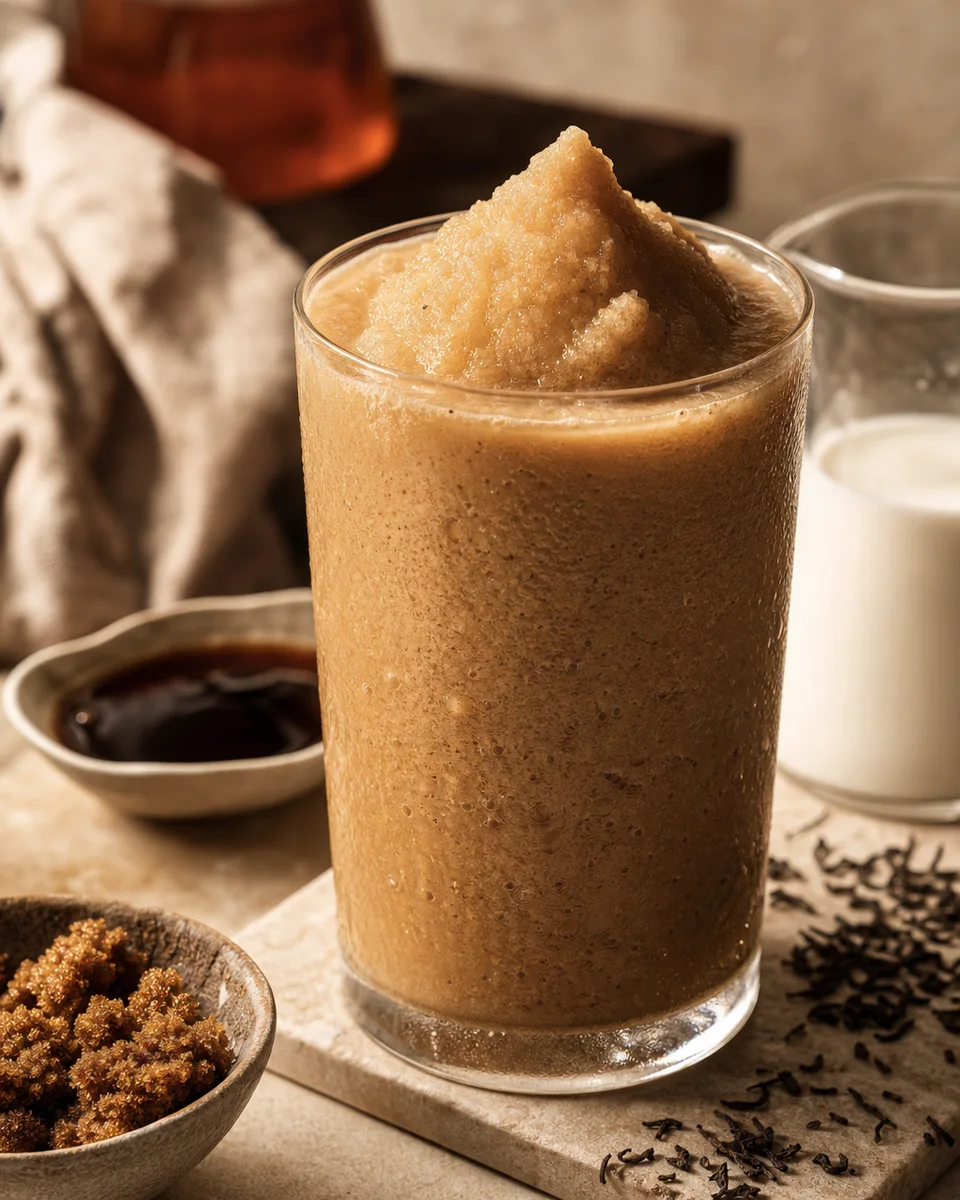
Brown Sugar Milk Tea Slush
View - StrawberryVerification status: Tried & tested
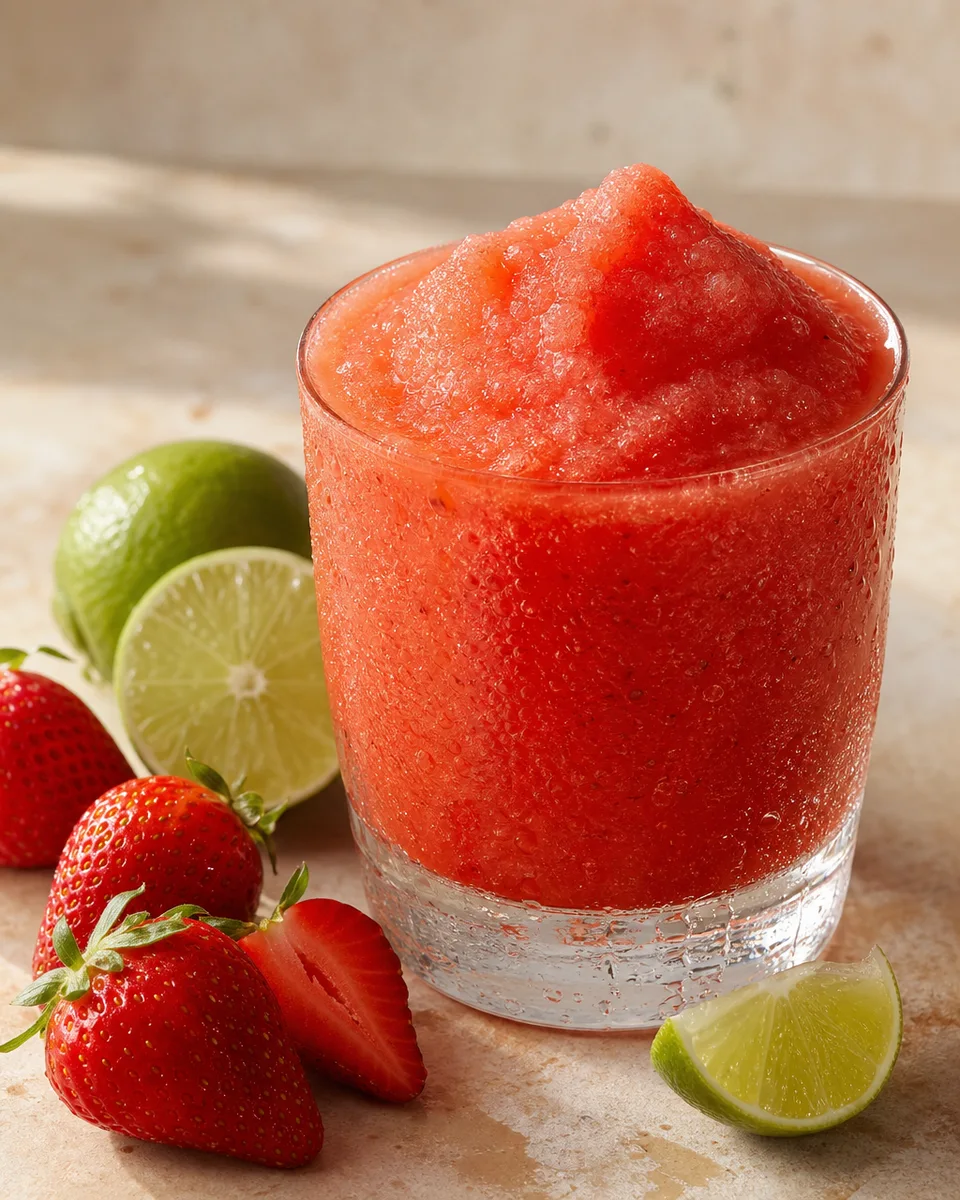
Frozen Strawberry Daiquiri Slush
View - CoffeeVerification status: Tried & tested
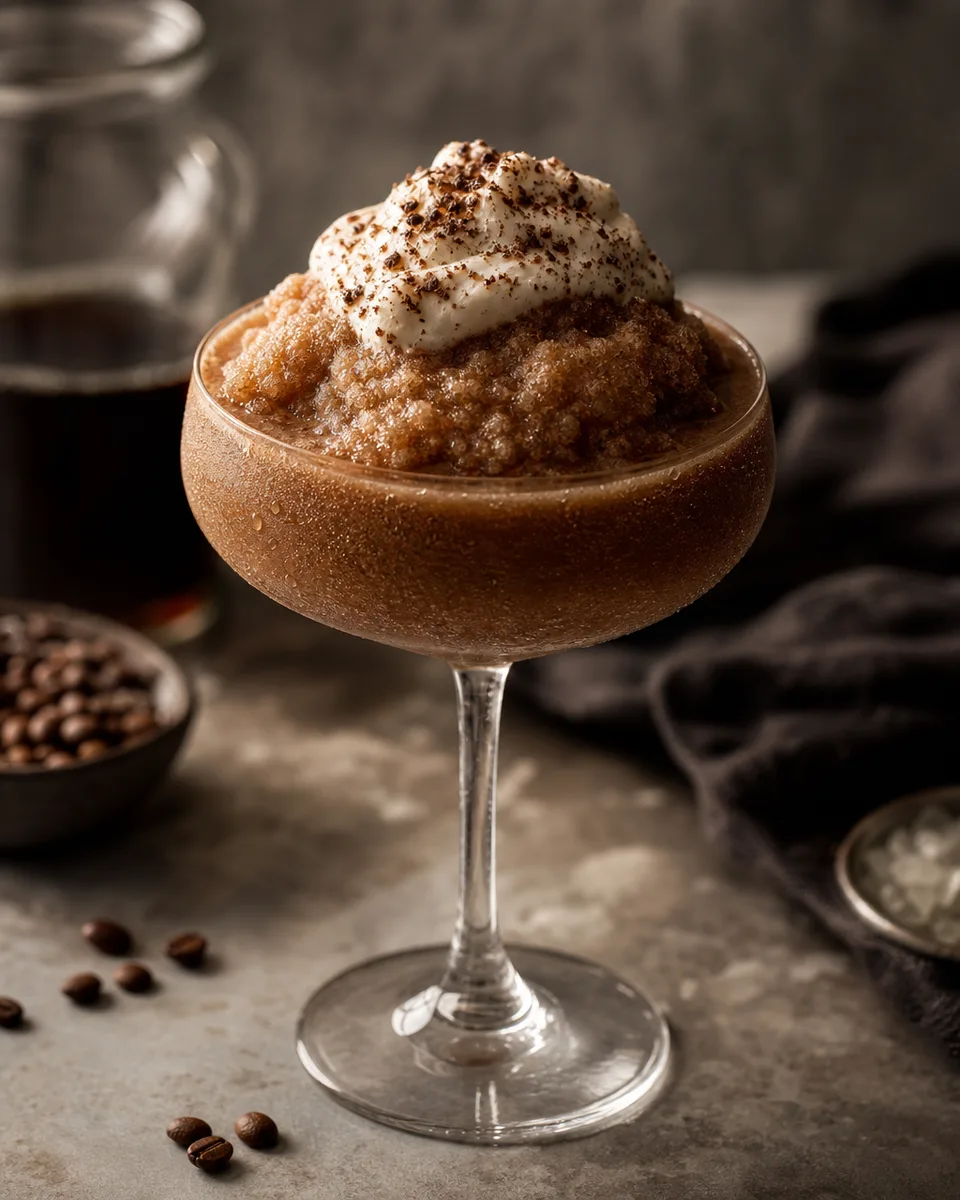
Irish Coffee Slush
View - LimeVerification status: Tried & tested
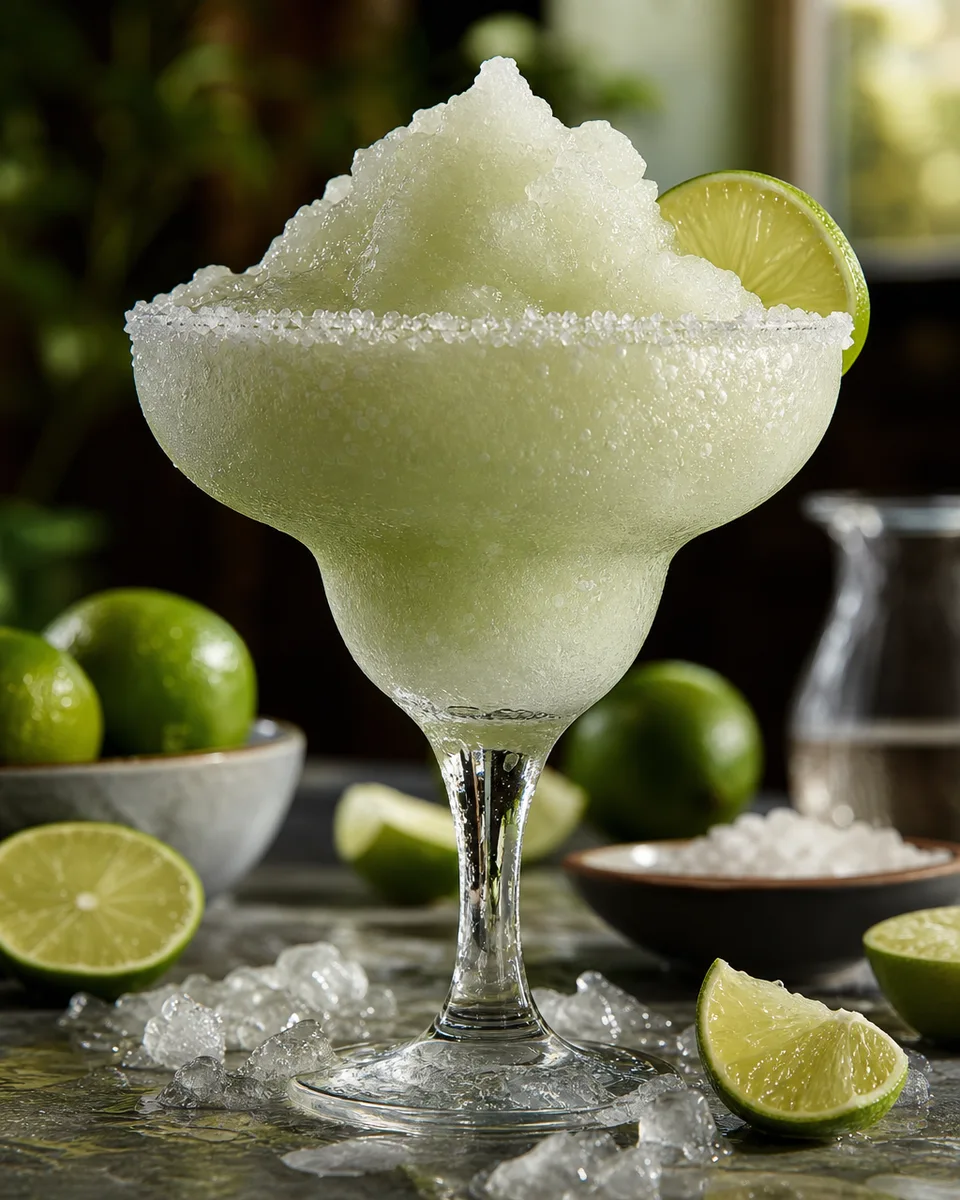
Frozen Margarita Slush
View - PineappleVerification status: Tried & tested
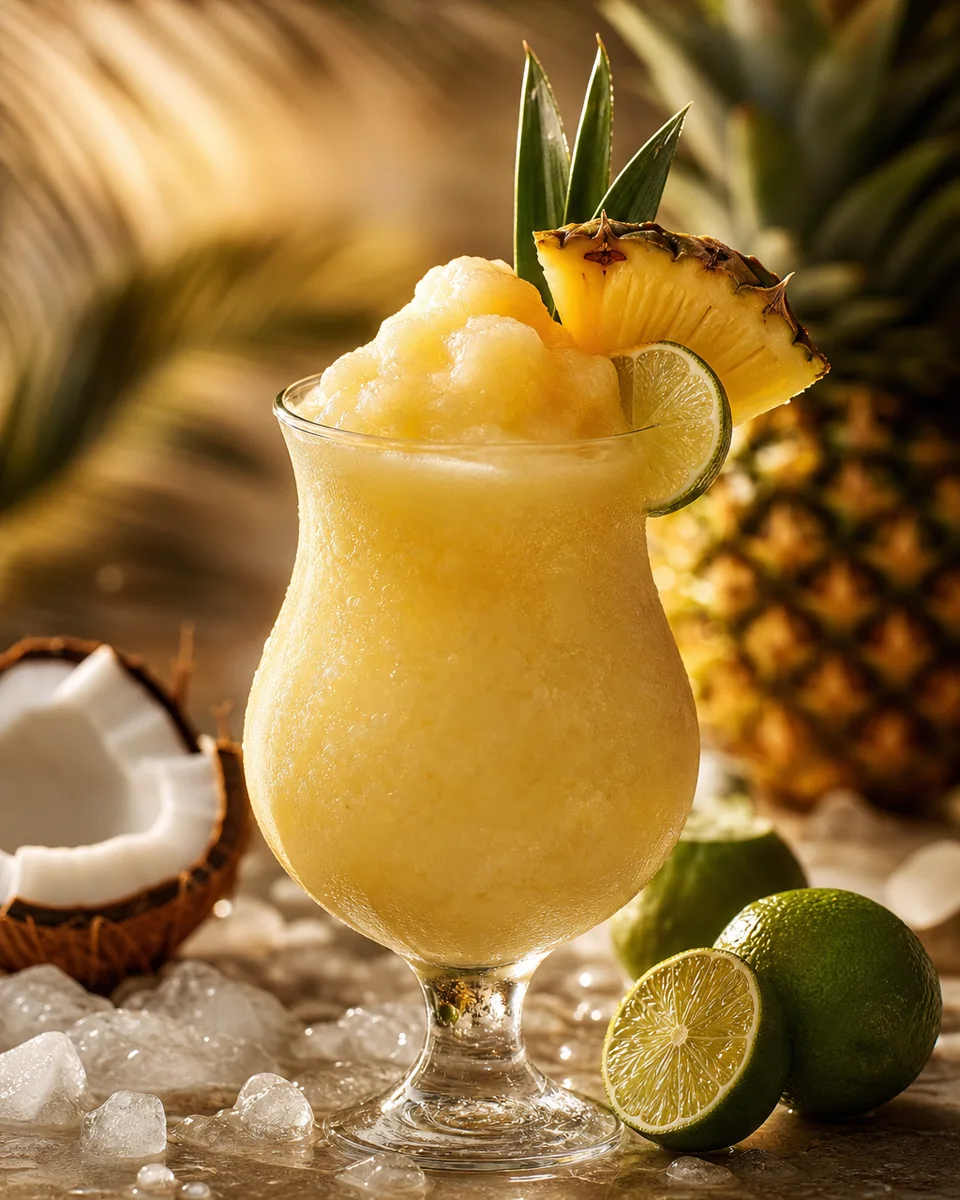
Frozen Piña Colada Slush
View - BourbonVerification status: Tried & tested
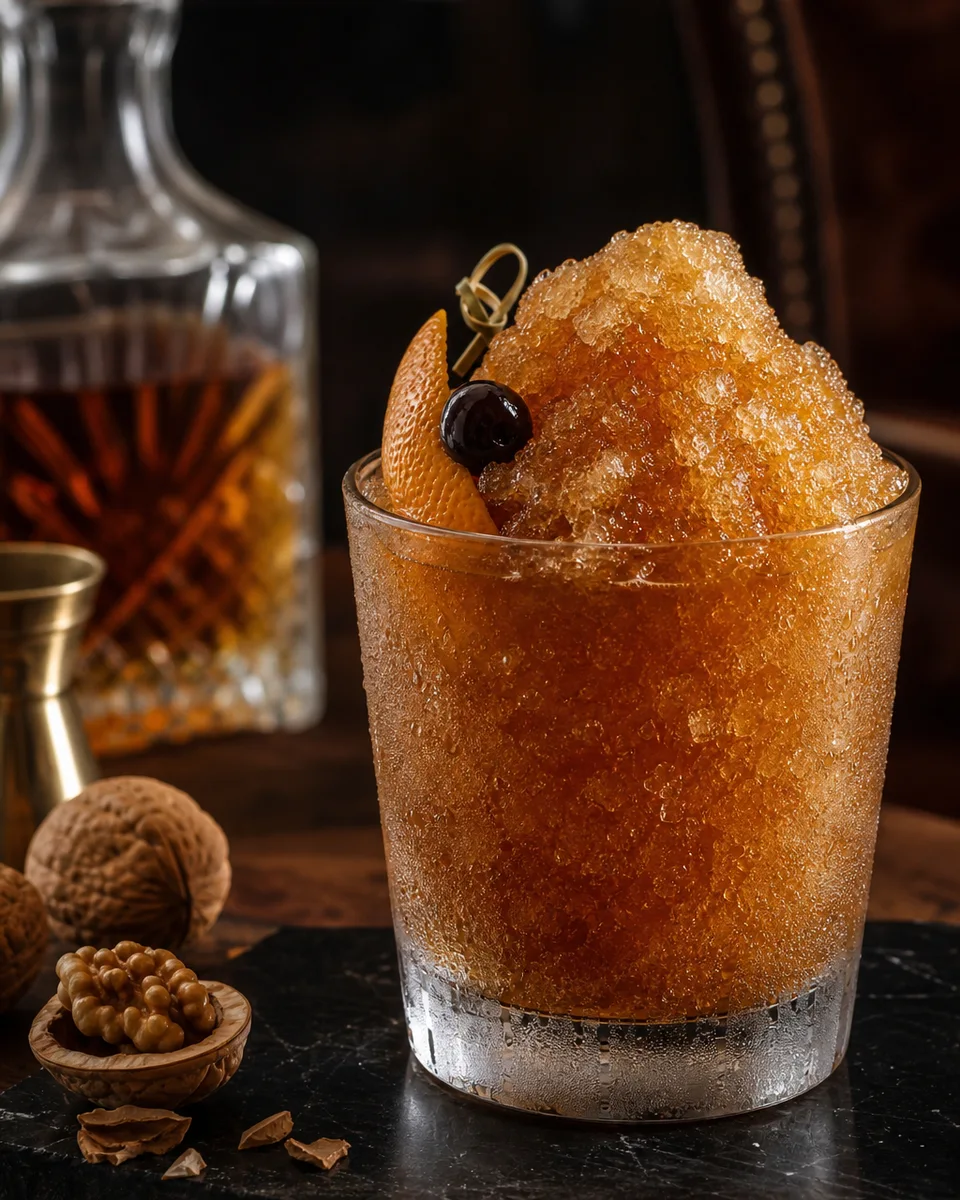
Bourbon Walnut Old Fashioned Slush
View