Slushable Blog
Ninja SLUSHi Flashing Temp Lights: What It Means + What to Do
If your Ninja SLUSHi temp lights flash at startup or during use, learn which patterns are normal, when to reset, and when to call support.

If your Ninja SLUSHi flashing temp lights problem started right when the machine powered on, do not lump it in with normal freezing behavior.
That was the useful point in a recent r/ninjaslushi thread. The owner described a machine that had worked for a few days, then changed at startup. All temperature lights flashed, air blew through the unit, the auger would not spin, and Rinse would not run.
The best community advice was also the calmest: pulsing temperature lights can be normal during a freeze cycle. Fan noise is expected because the compressor system needs airflow. But all temperature lights at startup, no auger movement, and no usable preset is not the same thing. At that point, use Ninja's troubleshooting flow and be ready to contact support.
This guide turns that thread into a practical checklist and cross-checks it against Ninja's official FS300 Series SLUSHi FAQ. Slushable is not affiliated with Ninja.
Standing in front of a flashing machine right now? Use the interactive Ninja SLUSHi light decoder — match your pattern on an animated panel and jump straight to the fix.
TL;DR (Quick Fix)
- If the Temperature Control LEDs pulse while the drink is freezing and the auger is turning, that is normal status behavior.
- If all preset LEDs flash, Ninja says the vessel is not installed correctly. Reseat the auger, vessel, and bail handle.
- If every Temperature Control LED flashes and the unit beeps twice every minute, Ninja treats that as a motor-stall alert. Unplug it, cool it for about 15 minutes, remove parts, check for anything jamming the auger, then reassemble.
- If all temp lights flash right at startup and the auger will not turn, treat it as a hardware or lockout issue first. That is especially true when Rinse will not run.
- If the lights flash one at a time descending during a batch, check sugar. If they flash one at a time ascending, check alcohol.
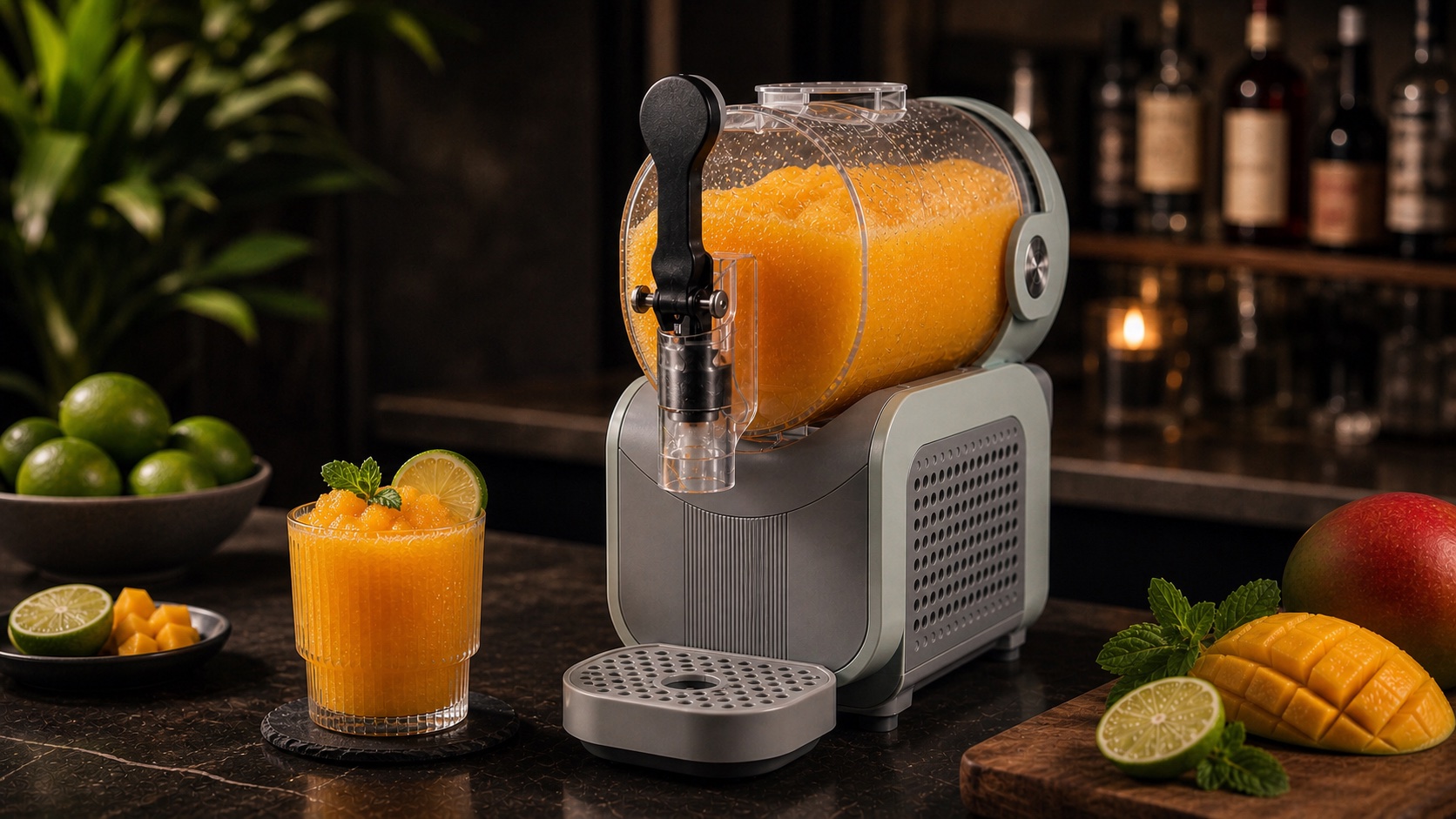
Ninja SLUSHi flashing temp lights: normal or not?
The first split is simple: is the machine already running a drink, or is it stuck before it can start?
During a normal freeze cycle, Ninja says the Temperature Control LEDs pulse while the frozen drink is coming down to the set level. When the drink is ready, the unit beeps three times and keeps running so the batch stays ready to dispense.
Fan noise can also be normal. A countertop frozen-drink machine has to move heat away from the chilling system. Warm air from the side or back vents is not, by itself, a sign that the machine is failing.
The Reddit thread became more serious because the owner clarified that the lights were flashing immediately at startup. The auger was not spinning, and even Rinse would not run. That is the point where "normal operating lights" stops being a good explanation.
Match the light pattern before you reset everything
Different light patterns mean different things. If you only remember one rule, remember this: all temp lights at once is not the same as one temp light moving through a sequence.
- Temperature LEDs pulse while the preset is running: normal freezing status. Let the cycle continue.
- All preset LEDs flash: vessel install alert. Reseat the vessel and lock the bail handle.
- Temperature LEDs flash one at a time, descending from the top: low-sugar alert. Check the batch has at least 4% sugar.
- Temperature LEDs flash one at a time, ascending from the bottom: high-alcohol alert. Dilute and bring the batch back into range.
- Every Temperature Control LED flashes with repeated beeps: motor-stall alert. Unplug, cool 15 minutes, remove parts, and check the auger.
- Top 5 and bottom 5 temp LEDs alternate: the unit was on its side during use. Stand it upright for at least 2 hours.
- Every other temp LED alternates: unit failure alert. Call Customer Service.
That list is where the thread and the official guidance line up. The community answer was right to say some flashing can be standard operation. It was also right to escalate once the owner confirmed startup flashing, no Rinse mode, and no auger movement.
Step-by-step fix for all temp lights flashing at startup
Start with the checks that do not make the problem worse.
1Stop power-cycling it over and over
Unplugging once for a reset is reasonable. Unplugging and replugging ten times is not a fix, and it can make diagnosis murkier.
Turn the unit off, unplug it from the wall, and give it a few minutes before touching the moving parts. If the machine has been running or trying to run, give it more time to cool.
2Remove and reseat the front parts
Ninja's assembly guidance is worth following in order:
- make sure the motor base is level on a flat surface.
- confirm the condensation catch is installed under the evaporator.
- slide the auger over the evaporator and rotate it until it fits onto the pin.
- slide the vessel over the auger and evaporator with the bail handle up.
- push the bail handle back to lock and seal the vessel.
- install the drip tray.
The vessel alert in Ninja's FAQ is tied to all preset LEDs, not all temperature LEDs. Still, a poor vessel or auger seat is one of the fastest things to rule out before assuming a motor fault.
3Check the auger path
If every Temperature Control LED is flashing with repeated beeps, Ninja's official FAQ points to a motor stall. The unit disables the motor temporarily to protect the drive system.
Unplug it, let it cool for about 15 minutes, remove the accessories, and look for anything that could jam the auger. That includes frozen buildup, stray solids, sticky residue, or a part seated crookedly.
Do not force the auger. If it does not want to seat, pull it back off and start the alignment again.
If you want a broader auger checklist, use Slush machine auger not turning? after this Ninja-specific pass.
4Confirm the machine is upright and has airflow
Ninja says the unit should sit upright for at least 2 hours before first use so the refrigerant can settle. The FAQ also says the top 5 and bottom 5 Temperature Control LEDs alternate if the unit detects it was on its side during use.
Give the machine space around the vents as well. Ninja says both sides and the back should be at least 4 inches away from walls and other items. Warm sides can be normal because those holes are ventilation points, but blocked airflow is asking the machine to work harder.
5Try Rinse before a recipe
Rinse agitates without cooling. That makes it a useful sanity check.
If Rinse runs and the auger moves, the machine is at least able to turn. If Rinse will not run and the auger never moves, you are no longer diagnosing sugar, alcohol, or drink texture. You are diagnosing a machine state.
6Call support if the startup fault comes back
If the unit still flashes all temp lights at startup after a careful reseat, cooling pause, and auger check, it is time to stop guessing.
The thread's strongest advice was to use the official troubleshooting guide and contact customer service. That is the right line when the top is locked correctly but the machine behaves like it has a motor fault. A new machine that cannot enter Rinse or spin the auger should not need a heroic home repair.
When flashing temp lights are actually a recipe problem
Not every flashing-light case is hardware.
If the machine starts normally, the auger turns, and the error appears during a batch, look at the sequence.
Descending Temperature Control LEDs plus flashing preset LEDs and repeated beeps point to low sugar. Ninja says inputs need at least 4% sugar, and low-sugar liquids will not slush correctly. The official fix is to add a sugar source such as flavored syrup, juice, sugar, maple syrup, agave, simple syrup, or honey per serving, then reset and restart the preset.
For the math side, use our Ninja SLUSHi sugar calculator guide.
Ascending Temperature Control LEDs point the other direction. Ninja ties that alert to alcohol content that is too high. For Spiked Slush, premade inputs should sit between 2.8% and 16% ABV. If the drink exceeds the limit, Ninja's guidance is to dilute with juice, water, a non-alcoholic mixer, soda, tonic water, seltzer, coffee, or tea per serving.
For a fuller troubleshooting path around watery, weak, or overcorrected batches, start with Ninja SLUSHi not freezing?.
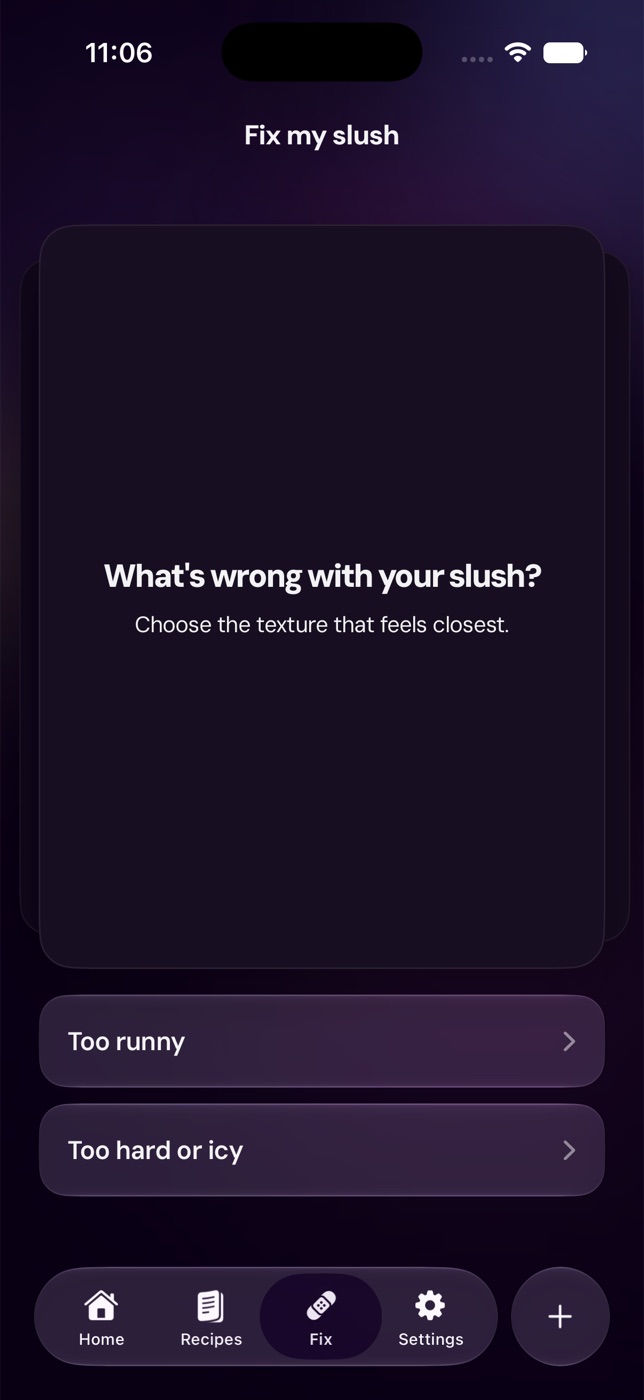
What not to do
Do not add ice or frozen fruit to "help" the machine. Ninja says the SLUSHi is not a blender and should not process ice cubes, a solid block of ice, frozen fruit, or hard loose ingredients.
Do not pour in hot ingredients. Start with chilled liquids when you can.
Do not keep increasing thickness when the machine is giving you a stall or fault pattern. Thicker settings help a batch that is running but too thin. They do not fix a jam, bad assembly, or motor protection state.
Do not assume every beep means low sugar. The low-sugar pattern is specific: descending Temperature Control LEDs, flashing presets, and beeping over the alert window. A startup lockout with no auger is a different problem.
Quick decision tree
Use this if you are standing in front of the machine right now. Prefer to point and click? The interactive light decoder plays each pattern on an animated panel so you can match it by eye.
The temp lights are pulsing and the auger is turning
Let it run. Frozen drinks can take 15 to 60 minutes depending on ingredients, volume, and starting temperature. If texture is still too thin after 60 minutes, Ninja says to increase the temperature one level, then wait 10 to 15 minutes before judging again.
All preset LEDs are flashing
Reseat the vessel. Slide it fully over the auger and evaporator, then lock the bail handle. Power on again and check whether the preset LEDs illuminate normally.
Every temp LED flashes and it beeps
Treat it as a motor-stall alert. Unplug, cool for about 15 minutes, remove parts, check for an auger jam, then reassemble.
All temp LEDs flash at startup and Rinse will not run
Treat it as not normal. Reseat everything once, verify the unit is upright with airflow, then contact support if it repeats.
The lights move one by one during a batch
Check the recipe. Descending means sugar is too low. Ascending means alcohol is too high.
For general alarm behavior across home machines, see Slush machine beeping?. For first-run setup basics, use the home slush machine first-run checklist.
FAQ
Are flashing temp lights normal on a Ninja SLUSHi?
Sometimes. Temperature LEDs pulsing while a preset is running can be normal. Every temp LED flashing at startup, especially with no auger movement and no Rinse mode, is not the normal freeze-cycle pattern.
Why is my Ninja SLUSHi blowing air when the lights flash?
Air movement can be normal because the condenser and compressor system needs airflow. The important question is whether the machine is running normally. Fan noise plus a spinning auger is different from fan noise plus a startup lockout.
What does every Temperature Control LED flashing mean?
Ninja's FS300 FAQ says every Temperature Control LED flashing with repeated beeps means the motor stalled while running. The official steps are to unplug the unit, let it cool for about 15 minutes, remove the parts, make sure nothing is jamming the auger, then reassemble.
What if all preset LEDs are flashing?
That points to a vessel-install alert. Reseat the vessel over the auger and evaporator, then push the bail handle back to lock the vessel in place.
Can low sugar cause flashing temp lights?
Yes, but the pattern matters. Low sugar is a descending one-at-a-time Temperature Control LED alert with flashing presets and repeated beeps. It is not the same as all temp lights flashing at startup with no auger movement.
Related reading
- Interactive Ninja SLUSHi light decoder
- Ninja SLUSHi sugar calculator: sugar requirements + quick fixes
- Ninja SLUSHi not freezing? Low sugar alert, add water + watery fixes
- Slush machine auger not turning?
- Slush machine beeping? Error codes, alarms, and what to do
- Home slush machine first-run checklist
Recipes to make next
Slush recipes from the library that fit this guide — every one balanced to freeze in a home machine.
- PineappleVerification status: Tried & tested

Frozen Piña Colada Slush
View - CoffeeVerification status: Tried & tested

Bicerin Coffee Chocolate Cream Slush
View - GinVerification status: Tried & tested

Botanical Tonic Mocktail Slush
View - PineappleVerification status: Tried & tested
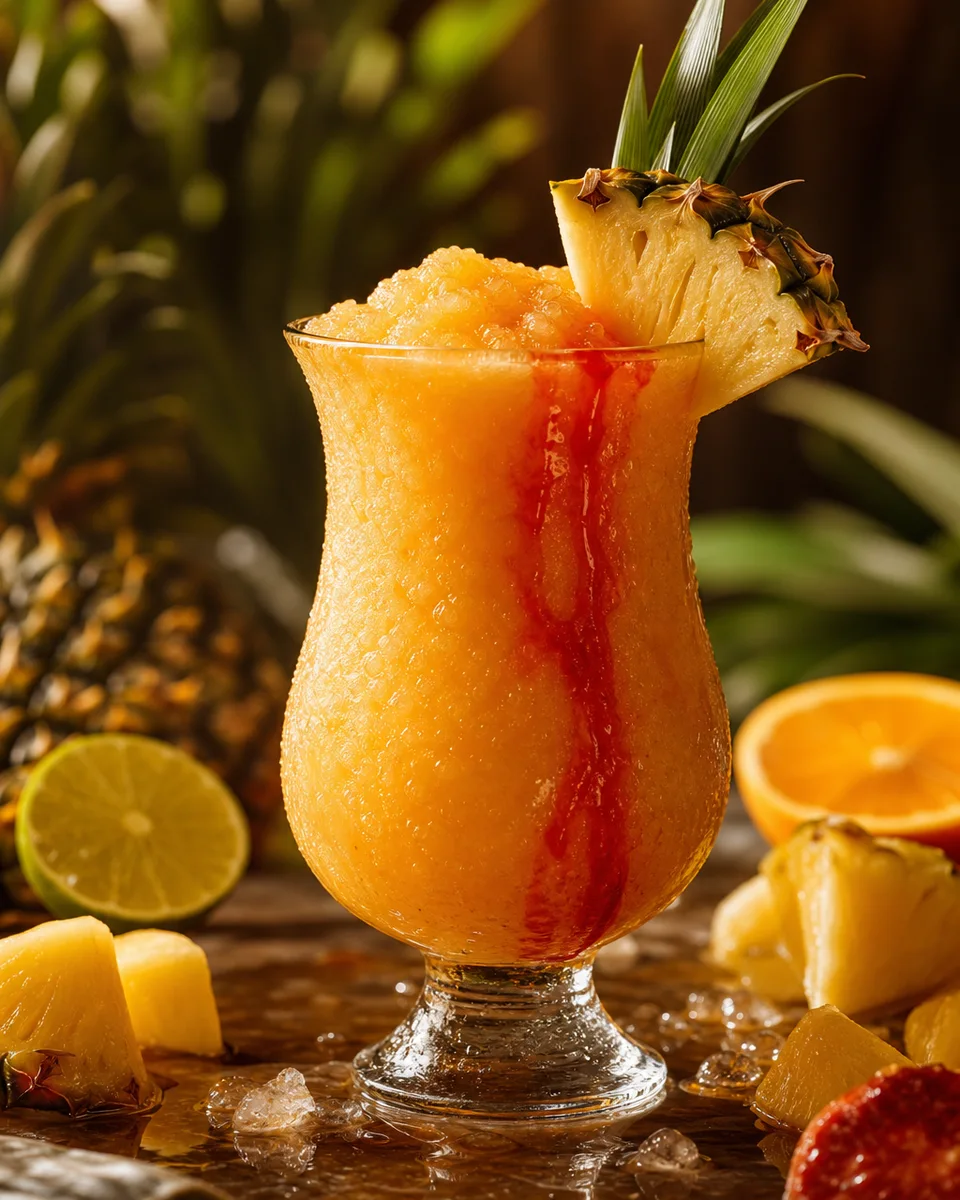
Tropical Rum Punch Slush
View - WatermelonVerification status: Tried & tested
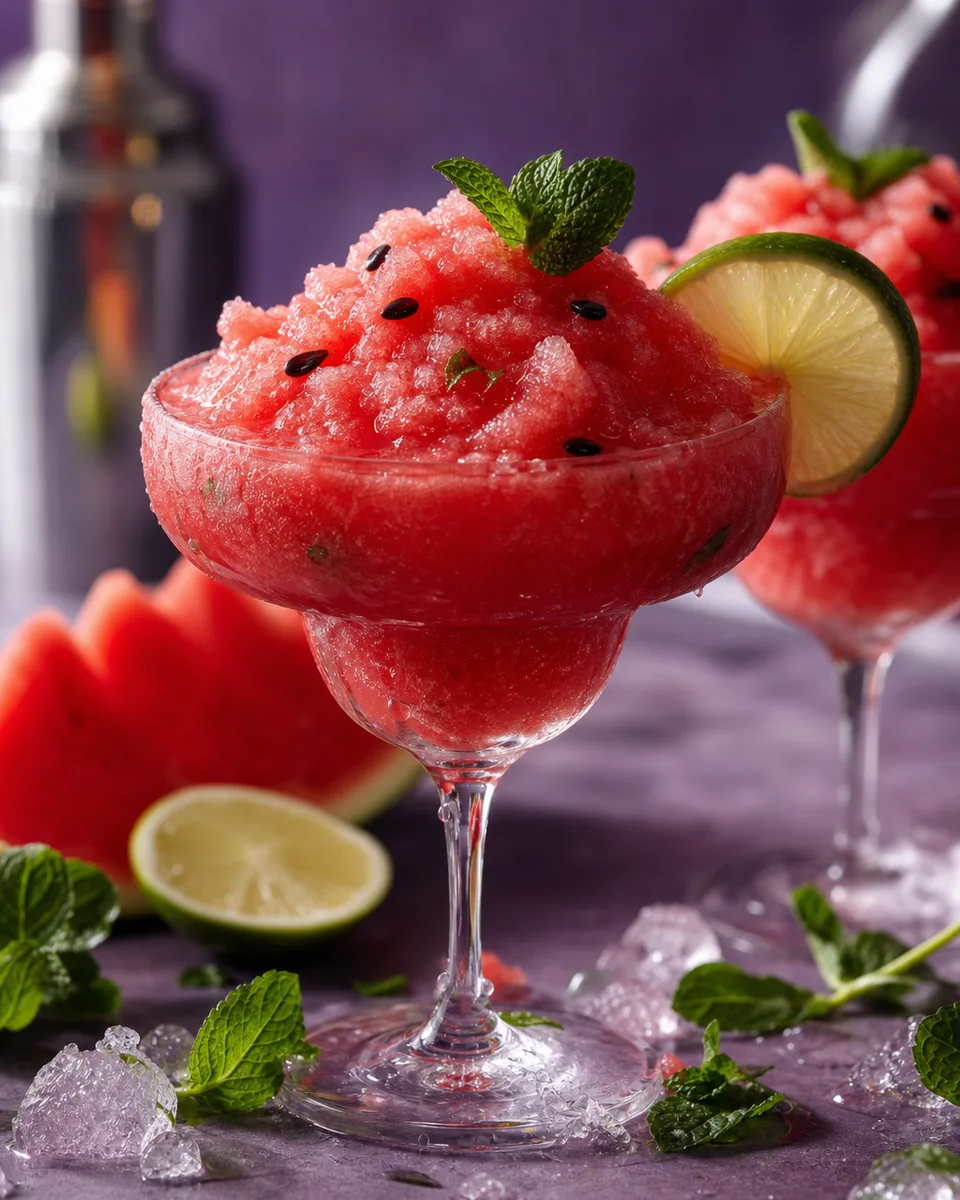
Watermelon Mojito Slush
View - BourbonVerification status: Tried & tested

Bourbon Walnut Old Fashioned Slush
View