Slushable Blog
Slushable 1.5.0: Recipes that fit your machine
Slushable 1.5.0 adds safe batch sizing, machine settings, prep cards, alcohol-free discovery, tested recipe badges, and guided setup.

Slushable 1.5.0 turns a recipe into a machine-ready batch.
You can choose how much to make, see which machine setting to start with, and finish any syrup or purée prep before you pour. Recipes can also show how they were reviewed or tested.
This release closes the gap between finding a recipe and running it on the machine in front of you.
The Short Answer
Slushable 1.5.0 adds machine-aware batch sizes, recipe-specific machine settings, complete prep cards, alcohol-free discovery, and recipe testing badges.
New users now make or save a real first recipe during setup. Saved recipes can be scaled for another batch without changing the original.
If you use a Ninja SLUSHi or another home slush machine, the update gives you a clearer plan before the mix reaches the hopper.
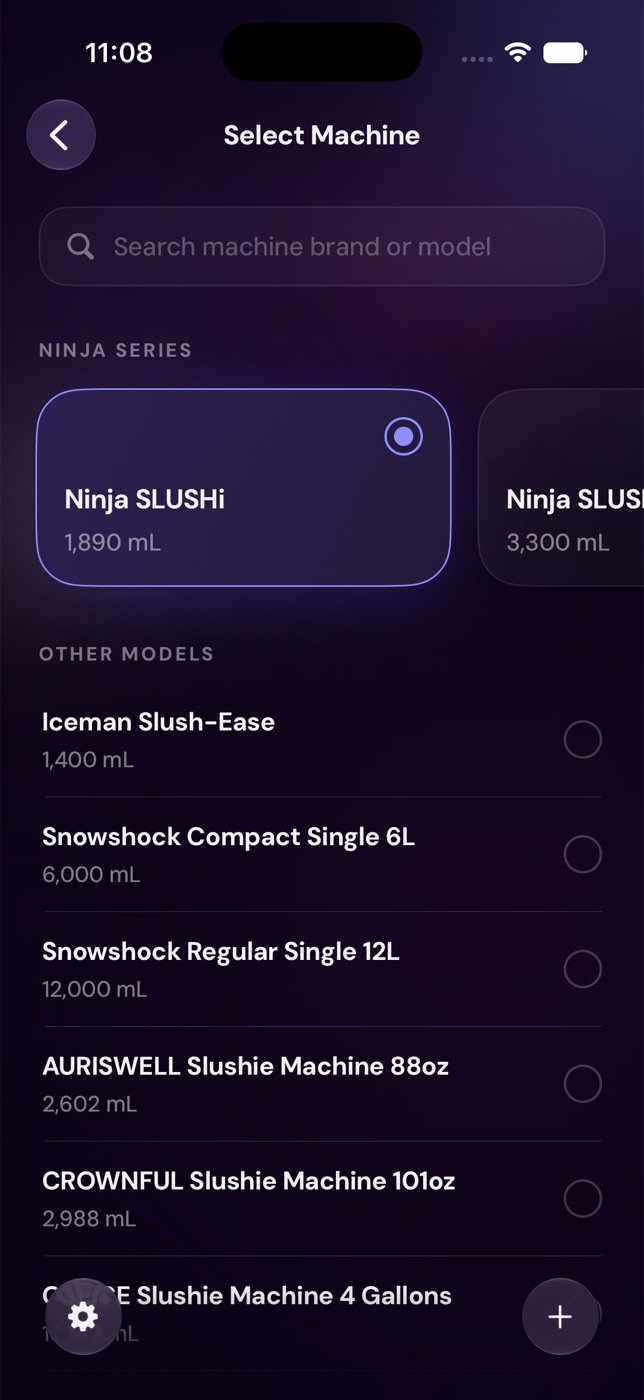
Pick a batch size that fits the machine
A recipe can be balanced and still be the wrong size.
Too little mix may not churn well. Too much can exceed the machine's safe fill. Filling to the stated vessel capacity can also be different from using the safe working limit.
Version 1.5.0 adds a batch-size chooser to supported recipe screens. Depending on the selected machine, you may see:
- The original recipe amount, with no scaling.
- The smallest known safe batch.
- A manufacturer-recommended fill.
- A custom amount checked against known limits.
- The safe maximum fill.
Slushable only shows minimum or recommended targets when the machine data supports them. For a custom machine, the app uses the capacity you entered and explains that the limit has not been independently verified.
That distinction matters. A capacity field is useful, but it should not be presented as tested manufacturer guidance.
For the full scaling method, read How to scale a slush recipe to your machine safely.
See the machine setting before you start
The right mix is only half the setup. The machine still needs a program, temperature, texture level, or run time.
Slushable 1.5.0 can place that guidance on the recipe and inside Make Mode. The app also shows where the recommendation came from:
- Machine-tested means Slushable has evidence from a real machine run.
- Manufacturer means the setting comes from published machine guidance.
- Starting point means the app calculated a sensible place to begin from the recipe's freeze profile.
Not every recipe and machine pair has exact evidence. When it does not, Slushable says so and gives a conservative starting point instead of dressing an estimate up as certainty.
For many Ninja recipes, that may mean choosing between a standard slush program and a spiked or frozen-cocktail program. Other machines may use a coldest setting, texture number, temperature, or timed run.
Prep the syrup, purée, or infusion first
Some recipes hide a second recipe inside the ingredient list.
"Mango purée" may need fruit, sugar, blending, straining, and cooling. "Mint syrup" may need a short infusion before the main batch can start. A one-line ingredient name does not tell you enough.
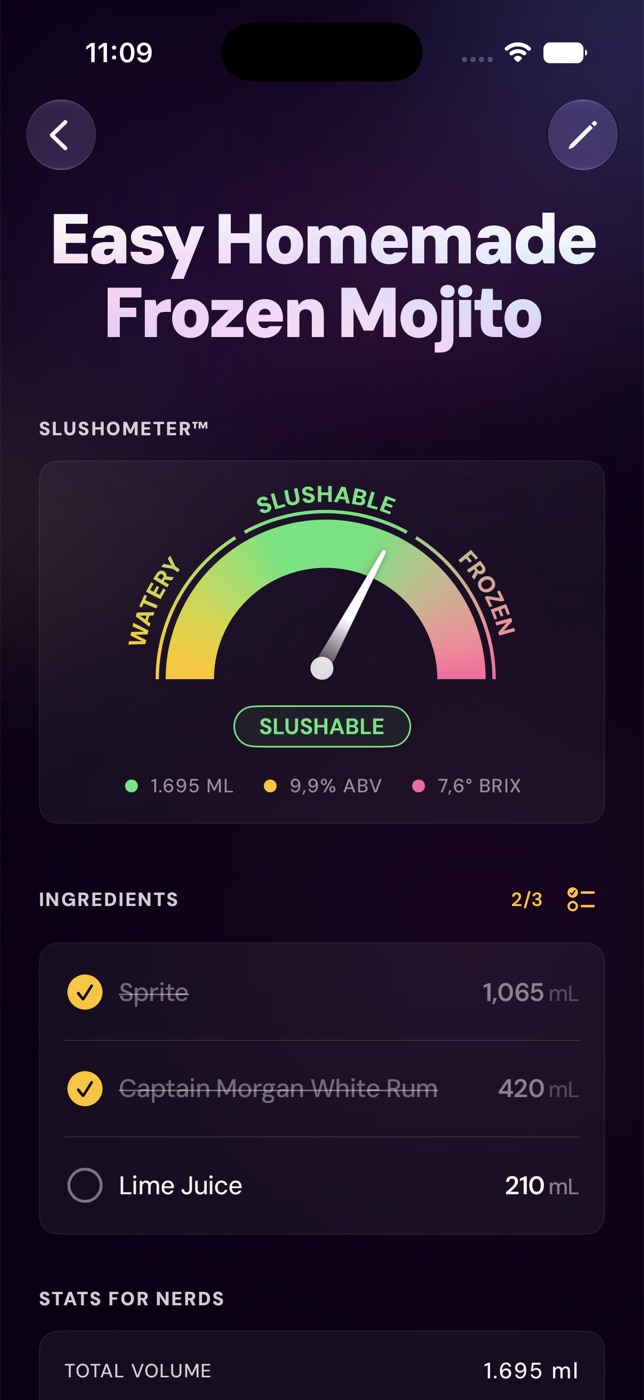
The new Prep first cards turn those components into complete mini-recipes. A card can show:
- The amount needed for the current batch.
- The total yield and any expected leftover.
- A short ingredient list.
- Checkable preparation steps.
- Cooling, resting, or straining notes.
The component quantities follow the selected batch size. If you scale the main recipe, the prep card tells you what that version consumes.
You can also use the web guides for common components, including 1:1 simple syrup and 2:1 rich simple syrup.
Browse alcohol-free recipes on purpose
Alcohol-free recipes are no longer mixed into discovery as an afterthought.
During onboarding or later in Settings, you can choose whether you want:
- Cocktail slushies.
- Alcohol-free recipes.
- Both.
The recipe library uses that preference while browsing and searching. If a useful result is hidden, Slushable can explain why and let you view it without silently changing your saved preference.
Recipe cards also carry clearer strength cues. That makes it easier to scan a mixed catalog before opening every recipe.
The underlying math still matters. Alcohol acts as antifreeze, while sugar affects both texture and freeze behavior. For the practical limits, see How much alcohol can a slush machine handle?.
Know what a recipe badge means
Version 1.5.0 adds visible recipe evidence:
- Tried & tested means the recipe passed real runs in a countertop slush machine.
- Machine tested means it has been run in a real machine while final verification continues.
- Editor reviewed means the balance and method were checked, but the recipe has not yet been machine-tested.
If a tested recipe changes enough to need another run, the app can show that retesting is in progress.
This is not a promise that every kitchen will get an identical result. Ingredient temperature, substitutions, measuring, and machine conditions still matter. The badge tells you what evidence Slushable has, not what it wishes it had.
A better first recipe for new users
The old setup explained the app. The new setup gets you to a real result.
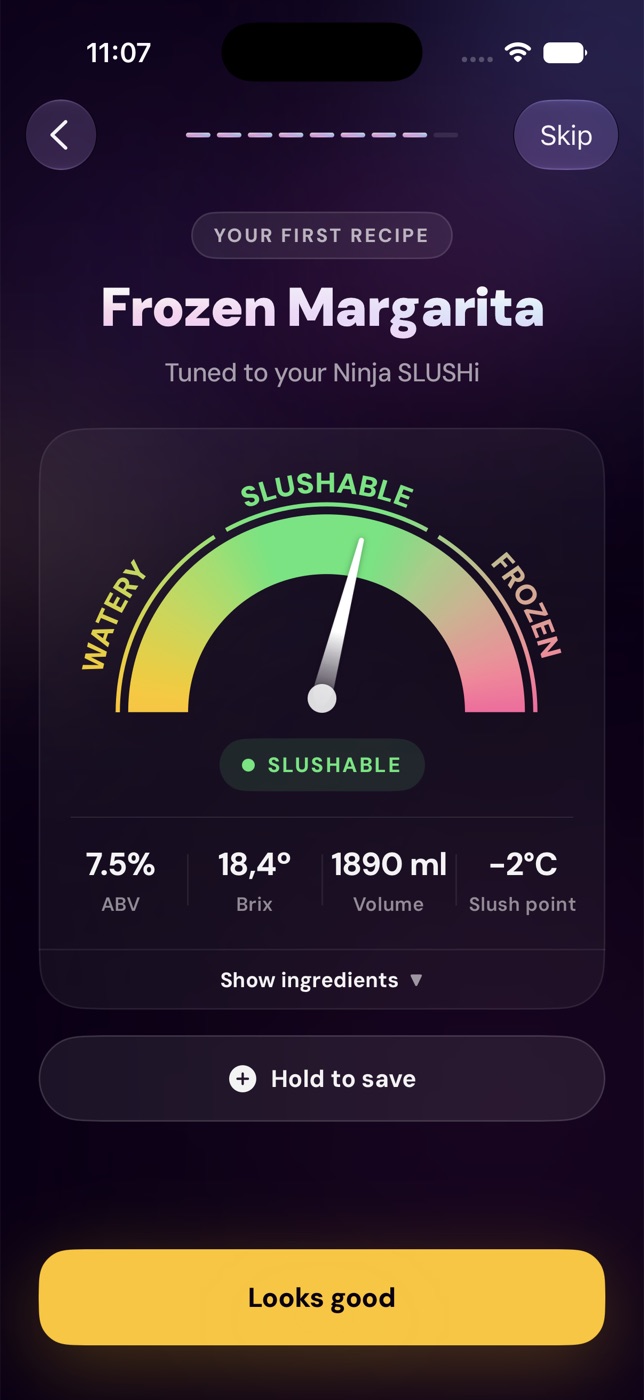
New users can build a custom first recipe or begin with a guided starter. The recipe is scaled to the selected machine, checked by the Slushometer, and saved into the library.
The complimentary onboarding recipe also no longer uses up the genuine free recipe available after setup. That gives a new user a fair chance to try the normal creation flow.
Saved recipes are safer to experiment with
You can open a saved recipe and scale it for a different batch or to fill the selected machine.
The scaled amount is a viewing choice. It does not overwrite the saved original unless you choose to save a new version.
That makes the recipe library more useful for repeat batches. You can keep the version that worked, then calculate a party-sized or smaller run without losing your reference point.
If the mix itself is off, use Fix My Slush or read Why is my slush watery?.
The 1.5.0 workflow
The practical flow now looks like this:
- Choose the machine on your counter.
- Find, build, or save a recipe.
- Pick the original, minimum, recommended, custom, or maximum batch target when available.
- Complete any Prep first components.
- Review Brix, ABV, Slushometer status, and machine settings.
- Follow Make Mode and start the machine.
- Save the version that worked.
It is still worth measuring carefully. Slushable reduces guesswork; it cannot measure the pour for you.
Who should update
Update to Slushable 1.5.0 if you:
- Want recipes sized for the machine you own.
- Need a clear program or setting before pressing start.
- Make syrups, purées, or infusions for frozen drinks.
- Browse both cocktail and alcohol-free slush recipes.
- Want to know whether a recipe was tested or reviewed.
- Need to scale a saved recipe without changing the original.
- Are setting up Slushable for the first time.
Get the update from Slushable on the App Store.
FAQ
What is new in Slushable 1.5.0?
The release adds safe batch targets, machine-setting guidance, Prep first component cards, alcohol preferences, recipe evidence badges, guided first-recipe onboarding, and safer saved-recipe scaling.
Does Slushable fill every machine to its full capacity?
No. Slushable separates vessel capacity from known safe fill limits. It uses verified minimum and maximum values where available, and labels a capacity-based fallback when verified limits are missing.
Are all machine settings tested?
No. Each setting shows its evidence. It may be machine-tested, based on manufacturer guidance, or presented as a calculated starting point.
Does alcohol-free mode change my recipes?
No. It changes what the discovery and search surfaces show. You can temporarily reveal hidden results without replacing your saved preference.
Will scaling change Brix or ABV?
Scaling every ingredient by the same factor should keep the recipe's ratio and calculated Brix and ABV nearly the same. Small display differences can appear from quantity rounding.
Related reading
Recipes to make next
Slush recipes from the library that fit this guide — every one balanced to freeze in a home machine.
- PineappleVerification status: Tried & tested
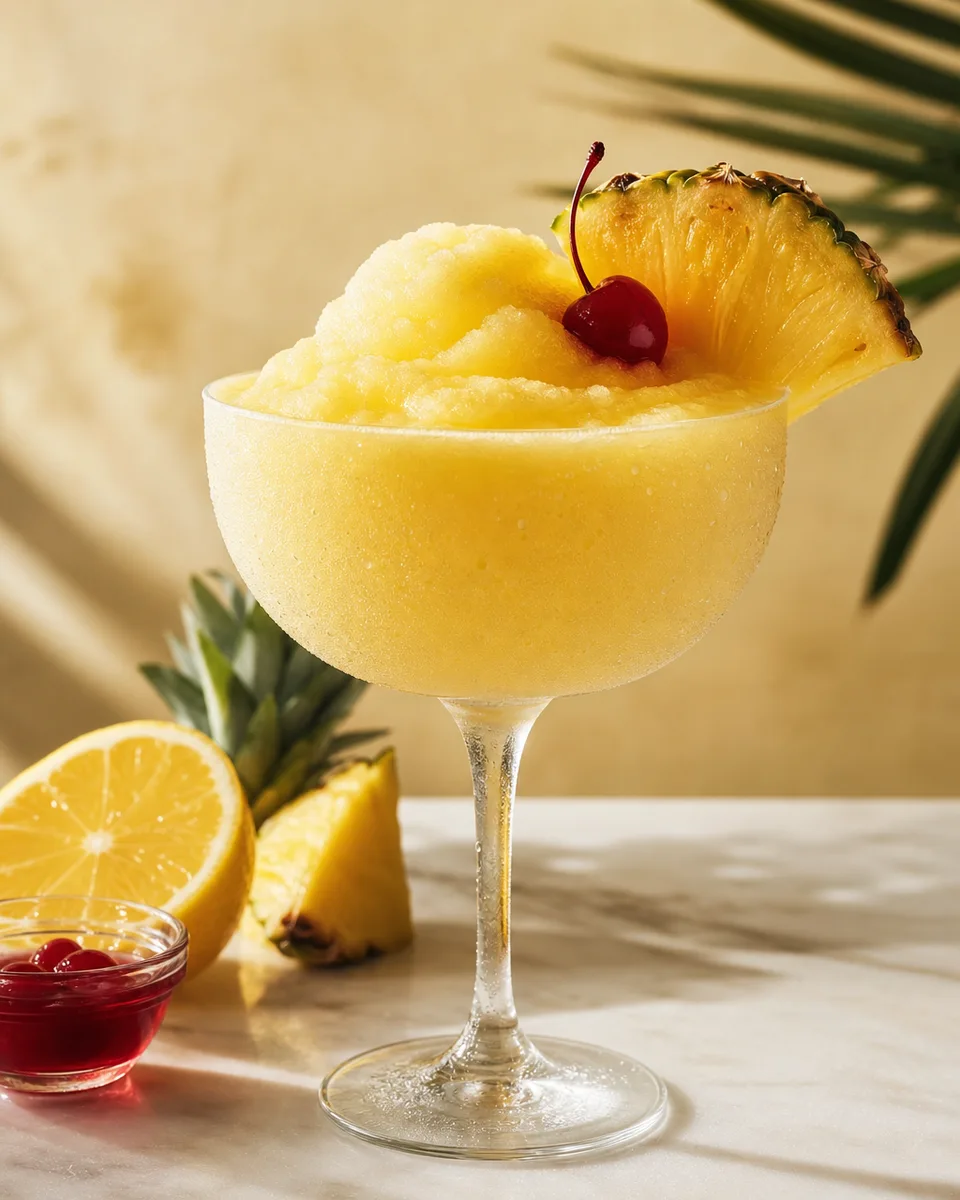
Alcohol-Free Almond Pineapple Sour Slush
View - OrangeVerification status: Tried & tested
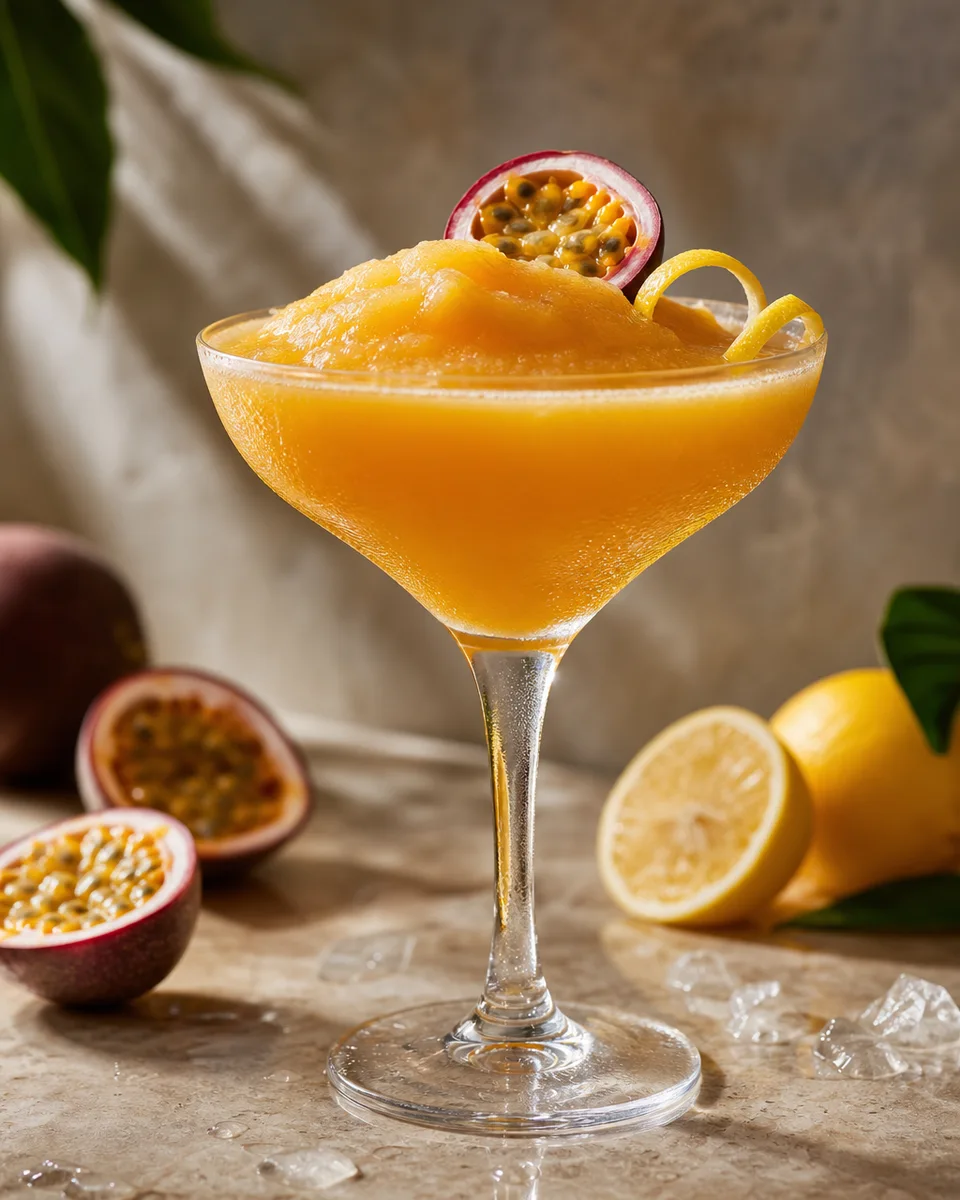
Alcohol-Free Passion Fruit Martini Slush
View - PeachVerification status: Tried & tested
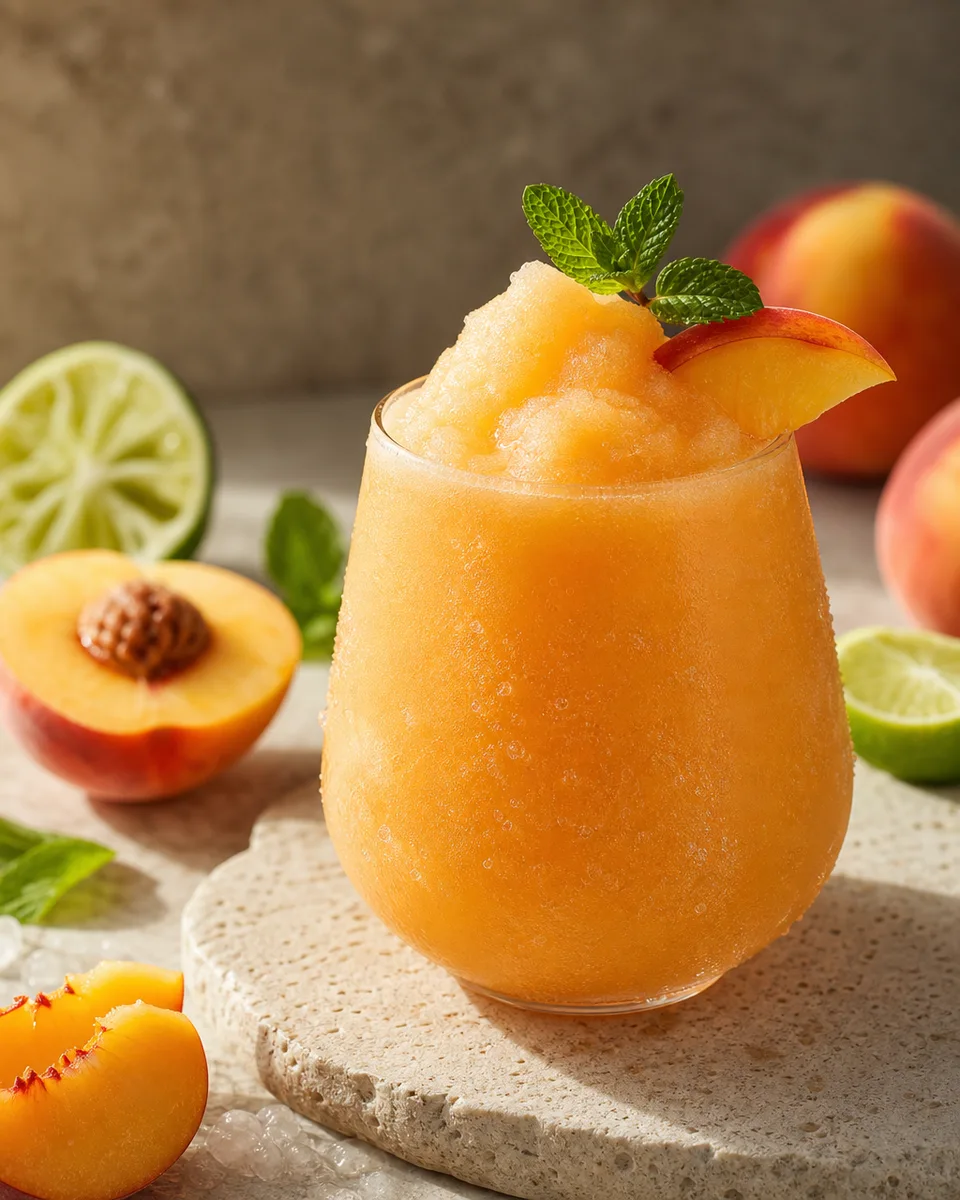
Citrus Peach Cooler Slush
View - LimeVerification status: Tried & tested
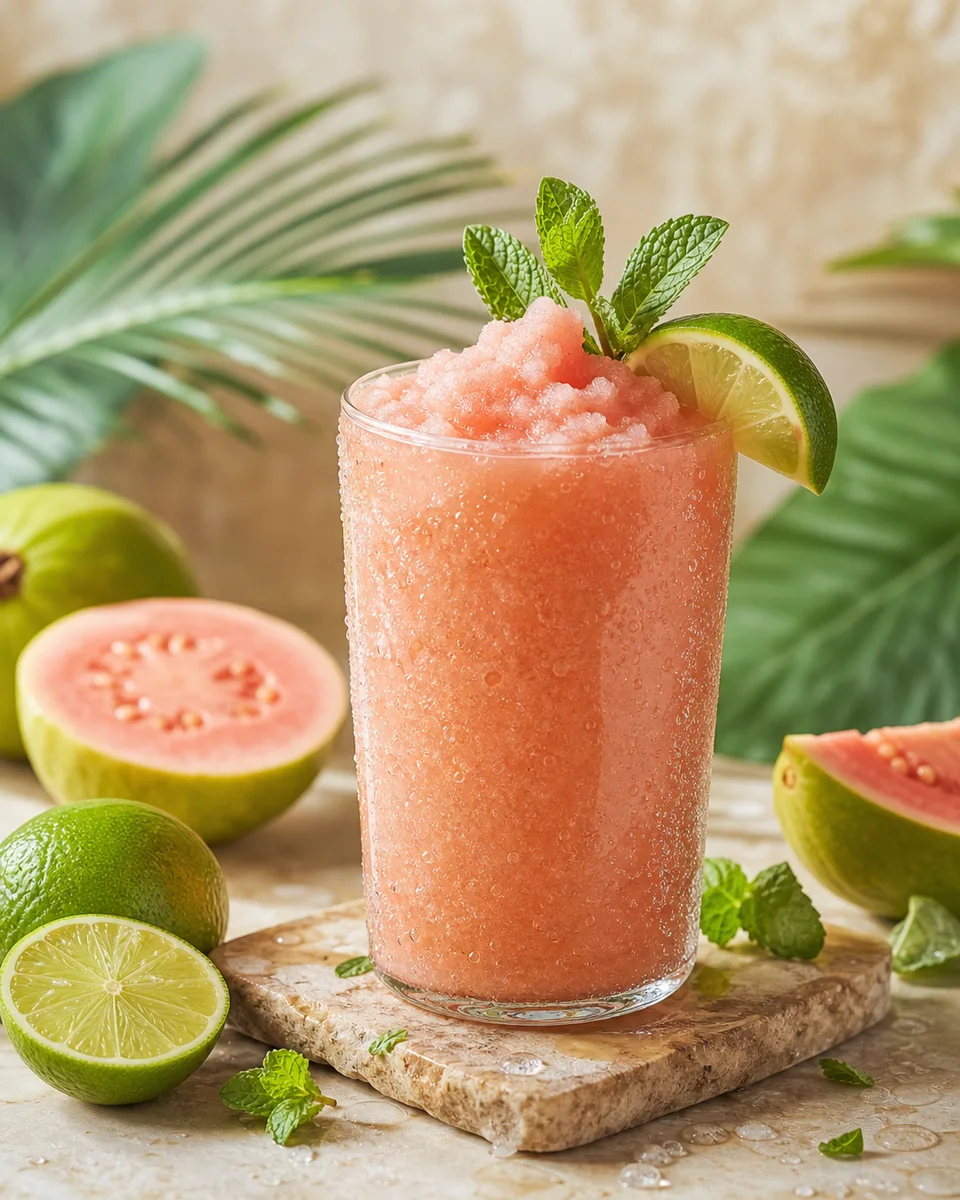
Guava Mojito Slush
View - RaspberryVerification status: Tried & tested
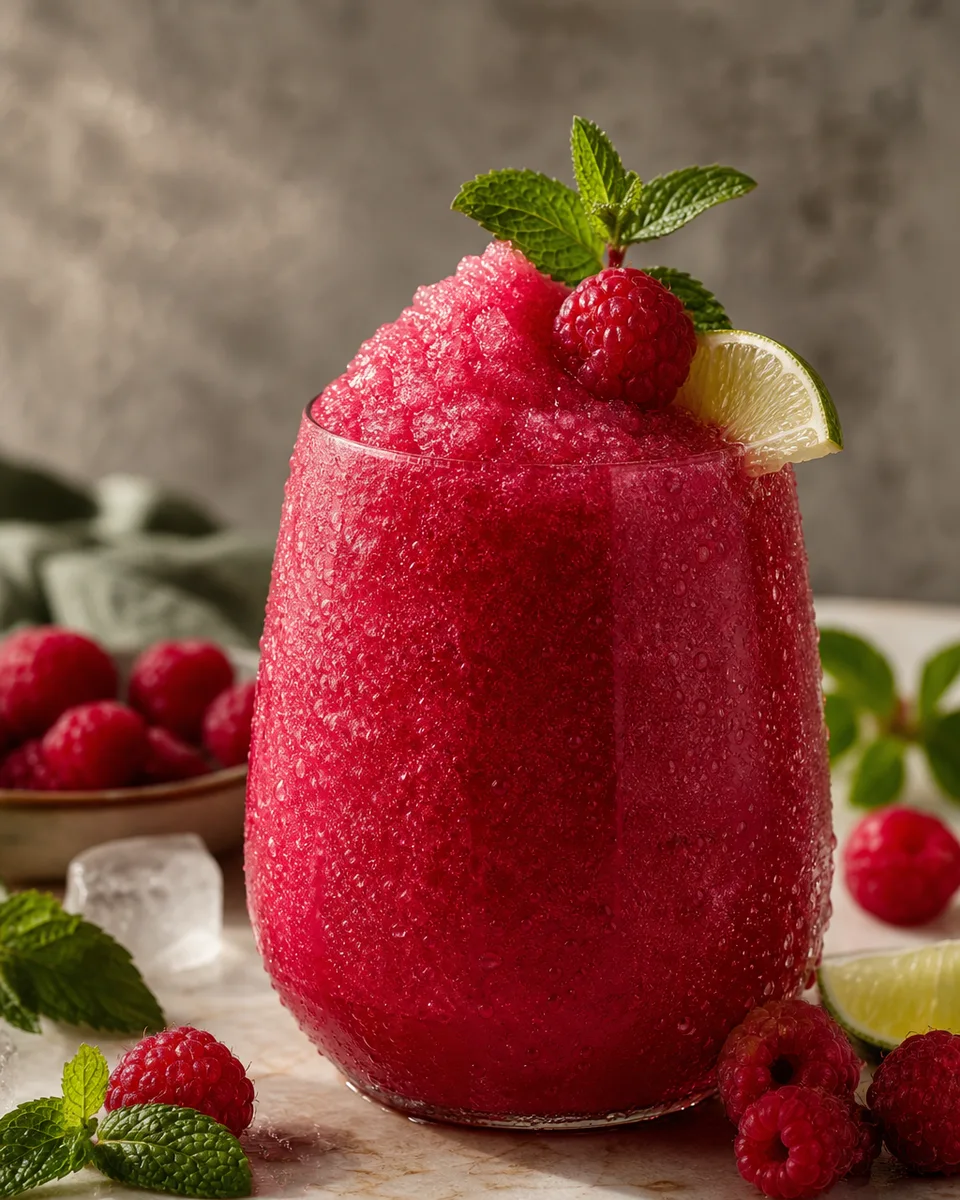
Raspberry Mint Shrub Slush
View - Green appleVerification status: Tried & tested
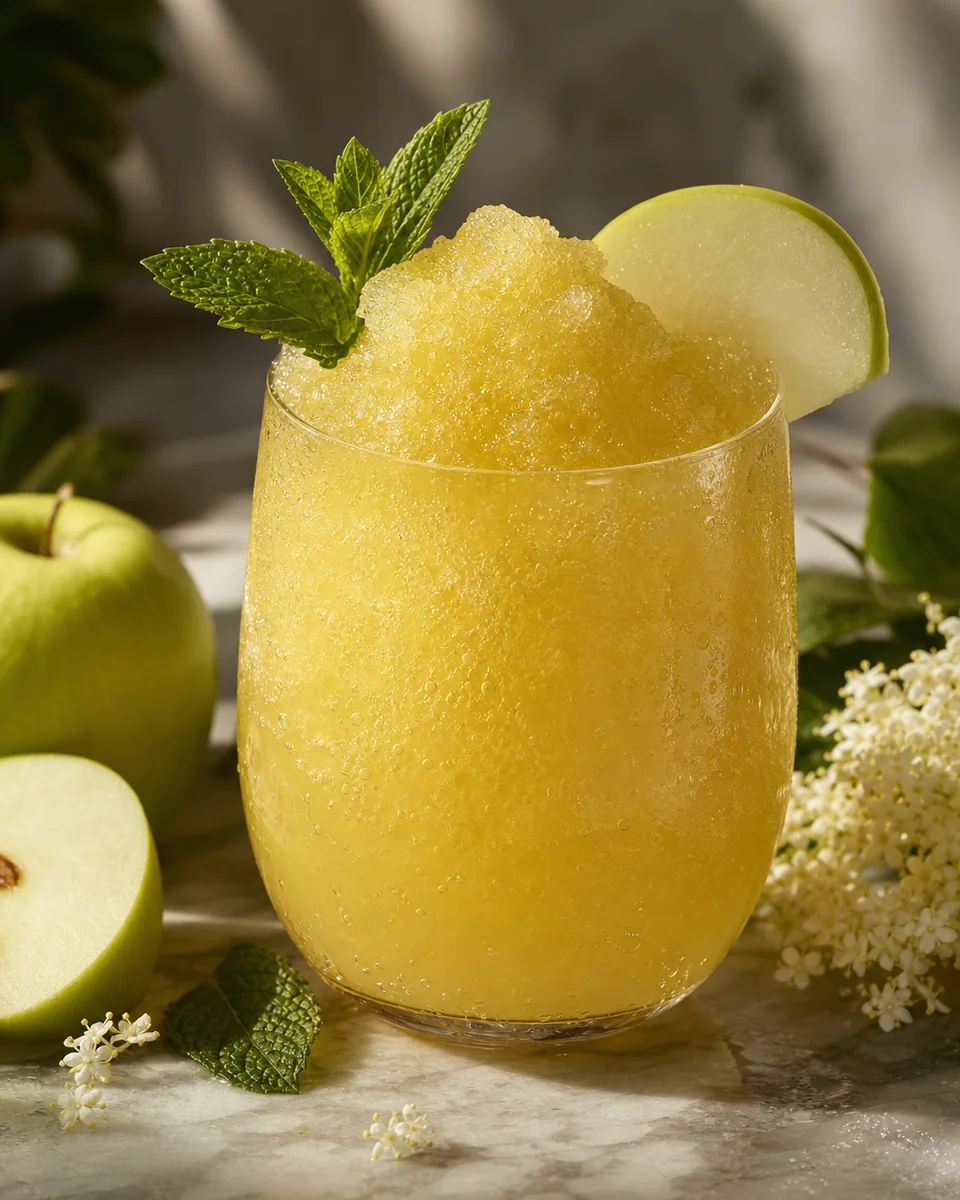
Apple Elderflower Mint Sparkle Slush
View